4-6 Acquiring Data
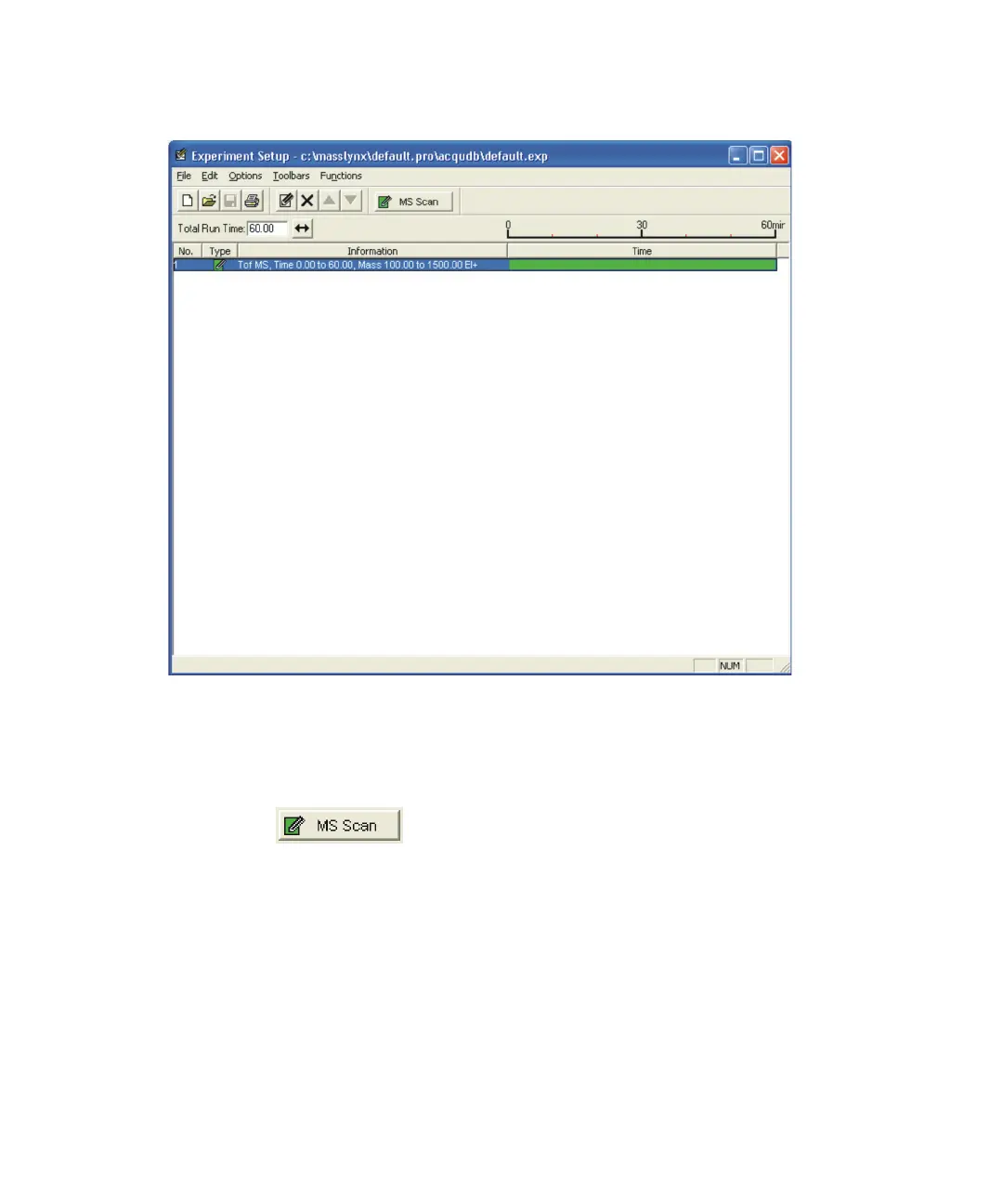
Experiment Setup editor:
Adding a function to the list
To add a function to the list:
1. Click .
2. In the TOF MS Scan Editor, make the required changes to the
parameters.
See also: Figure titled “Full Scan Function Editor:” on page 4-12.
3. Click OK.
Result: MassLynx adds the new function to the function list.
See also: Figure titled “Experiment Setup editor:” on page 4-6.











 To Next Page