Controlling the DI probe temperature 7-11
The temperature readback should rise to match the set temperature.
Note: A temperature readback of 850 °C indicates that the probe cable
has not been correctly connected.
Ramping the probe temperature automatically
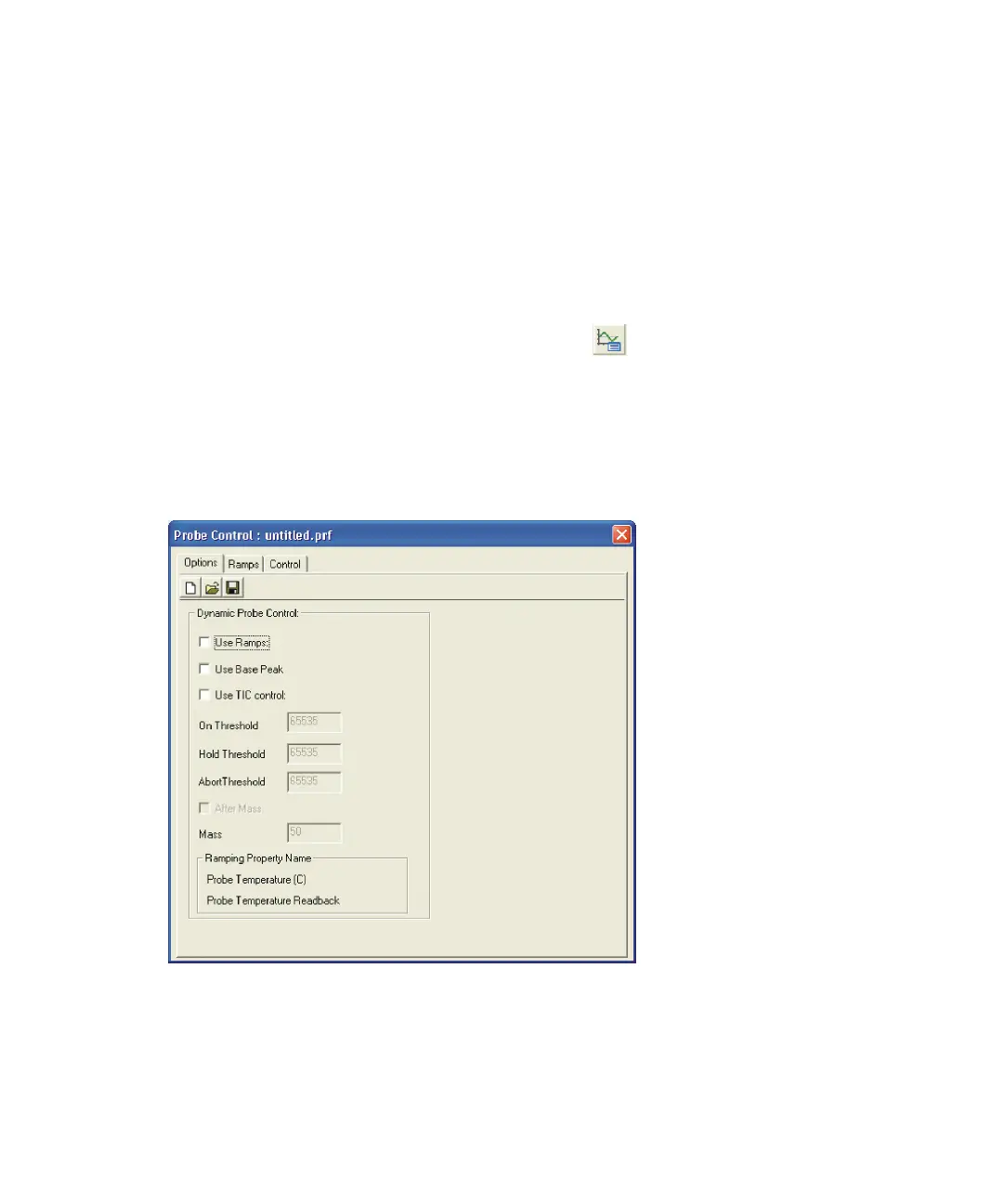
The Probe Control dialog box automatically ramps the probe temperature.
To open the Probe Control dialog box:
In the MassLynx Tune window toolbar, click .
Alternative: Click Settings > Probe Ramping.
Probe Control dialog box Options tab
Probe Control dialog box Options tab:
The Dynamic Probe Control prevents saturation of the detector.
The Options tab parameters are described in the Table titled “Probe Control
dialog box Options tab parameters:” on page 7-12.











 To Next Page