B-10 The MassLynx Tune window
The Tune window Settings menu
The Settings menu is used to:
• Configure the Tune setup parameters.
• Configure the TDC settings.
• Viewing Calibration parameters.
• Condition the detector.
• Ramp the probe temperature.
• View the status of the instrument’s embedded PC.
• Select the instrument name.
Configuring the Tune setup parameters
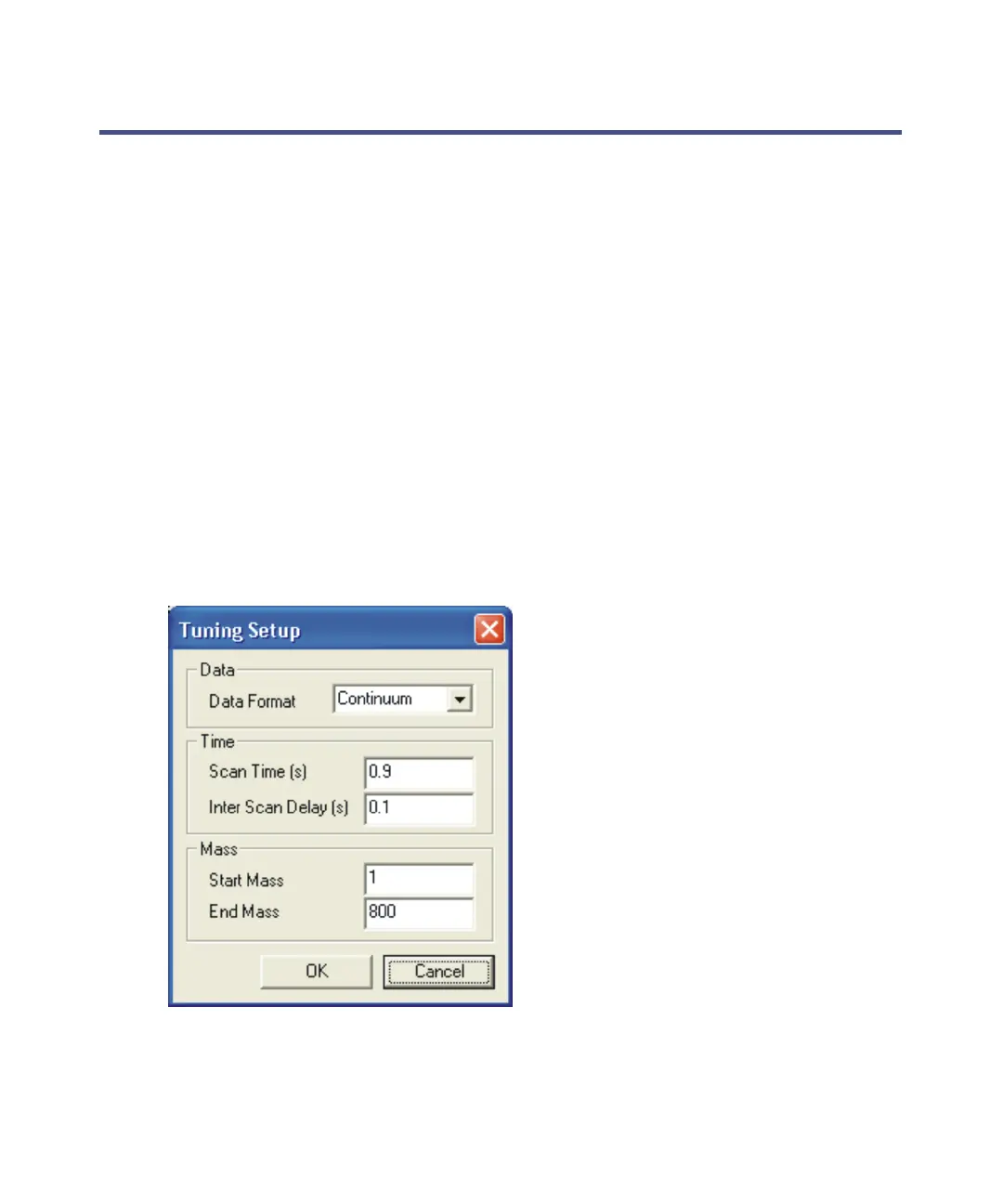
Click Settings > Tuning Setup to open the Tuning Setup dialog box, which is
used to configure the tuning setup parameters during the tuning procedure.
Tuning Setup dialog box:











 To Next Page