5-22 Calibration
11. Monitor the acquisition and acquire 3 minutes of data.
See also: Chapter 4, Acquiring Data.
Creating a calibration file
To create a calibration file:
1. In the Chromatogram window, click Process > Combine Spectra.
2. In the Combine Spectrum dialog box, ensure the Peak separation
parameter is set to 0.05.
3. In the Chromatogram window, right-click and drag across
approximately one minute of data.
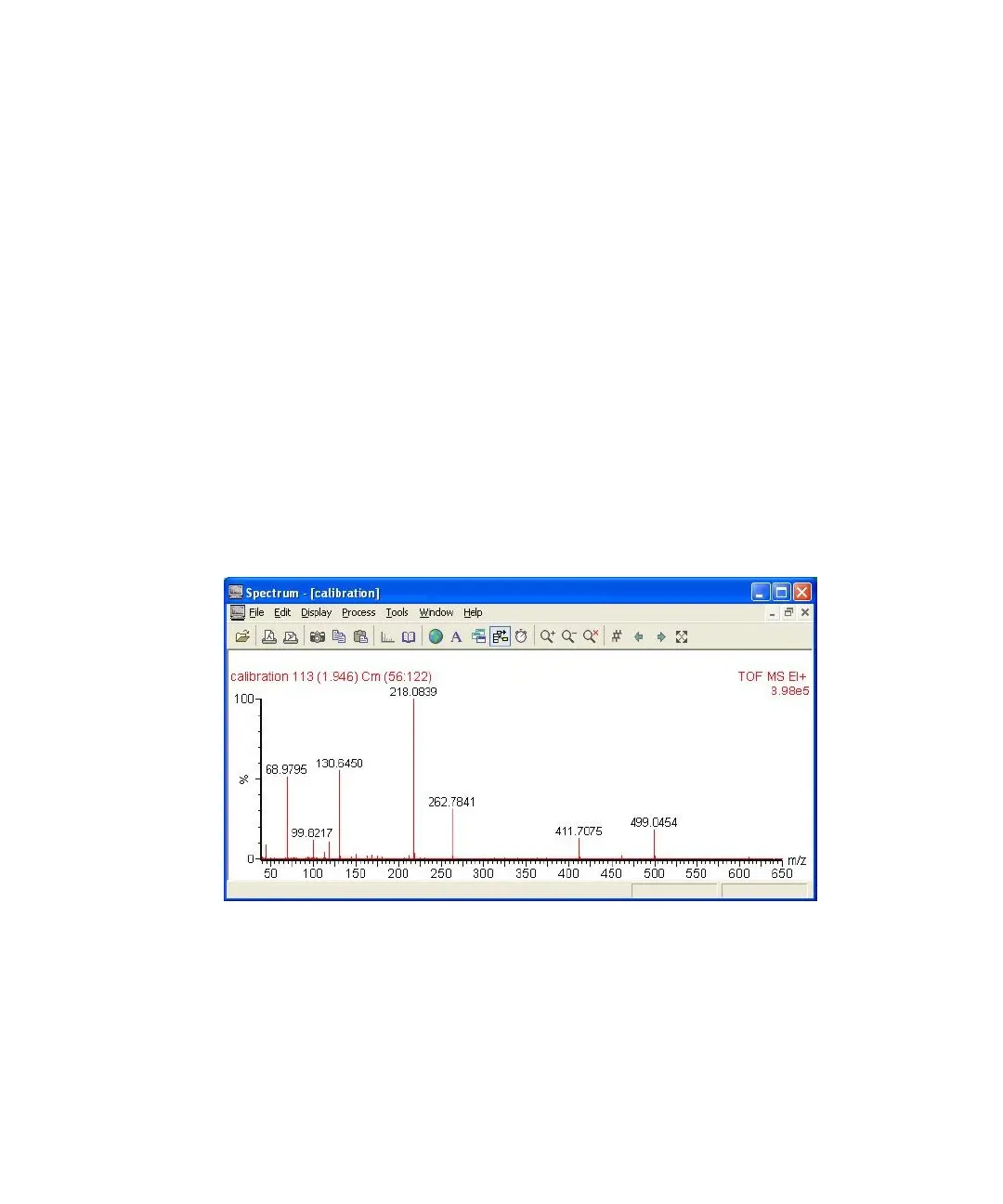
Result: The Spectrum Combine progress window appears. When
processing is complete, a combined spectrum appears in the Spectrum
window.
Combined spectrum in the Spectrum window:
4. In the Spectrum window, click Tools > Make Calibration.
5. In the Make new calibration dialog box Reference material pane,
Reference file list, select the reference file against which the data is to be
calibrated. For example, select Heptacos.ref if heptacosa is being used as
the reference compound.
See also: Appendix C, Calibration Reference Information.











 To Next Page