EI/CI inner source maintenance 10-23
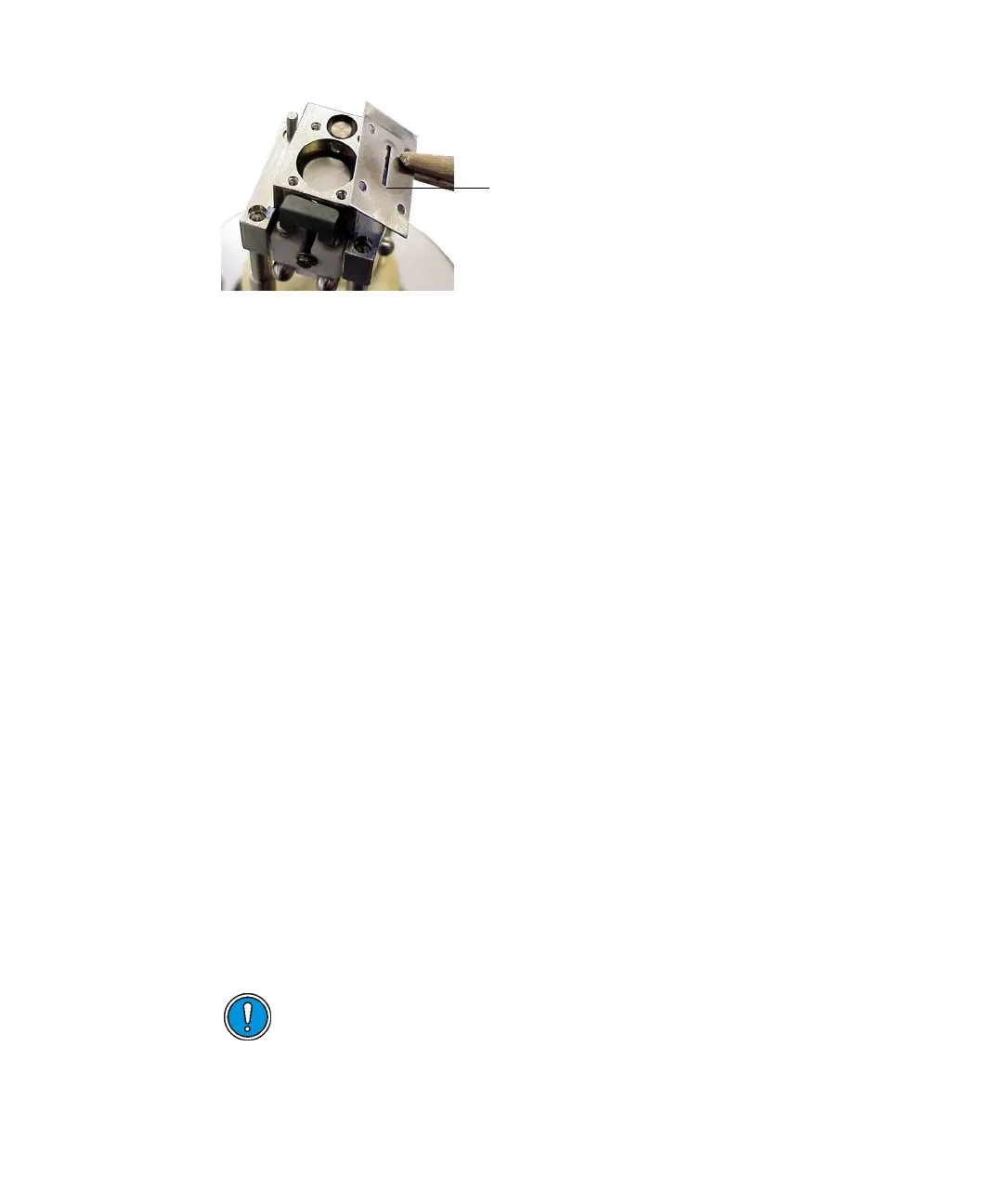
To clean the ion exit plate:
1. Using 1200-grade wet/dry paper, rub all the ion exit plate surfaces,
including the ion exit slit edges, until they are free of visible ion burn.
2. Using 9-micron lapping paper, polish all the ion exit plate surfaces,
including the ion exit slit edges.
3. Ultrasonically clean the plate in a suitable solvent to remove any
remaining grease.
See also: Ultrasonically cleaning the inner source components on
page 10-21.
To fit the ion exit plate:
Reassemble the ion exit plate in the reverse order to which it was
disassembled.
Cleaning the trap and repeller
Tip: The trap and the repeller are present only on the EI source; the CI source
is not fitted with a trap or repeller.
To remove the trap and repeller:
1. Remove the ion exit plate.
2. Use a hex (Allen) key to remove the grub screw at the base of the inner
source assembly.
3. Remove the inner source assembly from the source handle.
Caution: Take care when removing the inner source assembly
from the source handle; it is spring-loaded.
Ion exit slit











 To Next Page