10-24 Routine Maintenance
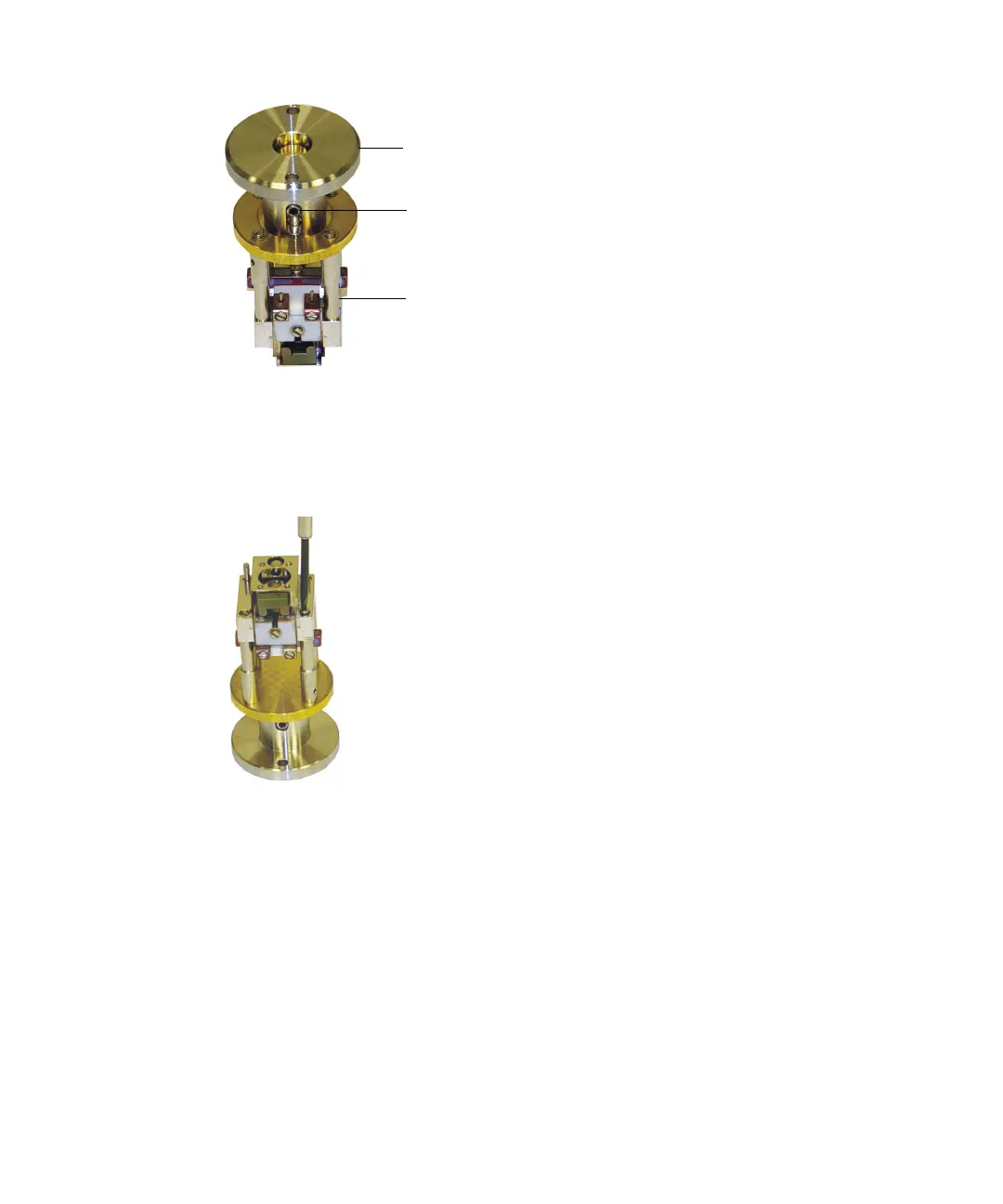
4. Remove two screws that secure the ion block assembly to the inner
source assembly brass support.
5. Unscrew and remove the two screws that secure the two threaded
support rods to the ion block.
6. Lift off the ion block assembly so that the two threaded support rods
come out from the bottom of the ion block.
7. Remove the sleeves from the remaining two (unthreaded) support rods
and remove the support rods from the top of the ion block.
Ion block assembly
Inner source assembly
Grub screw











 To Next Page