7-10 The Direct Insertion Probe
Controlling the DI probe temperature
Source temperature is often sufficient to evaporate the sample, particularly if
the shallow sample cup is used. If the sample fails to evaporate, or if a more
controlled evaporation is required, MassLynx can ramp the probe
temperature during acquisition.
Ramping the probe temperature manually
To ramp the probe temperature manually:
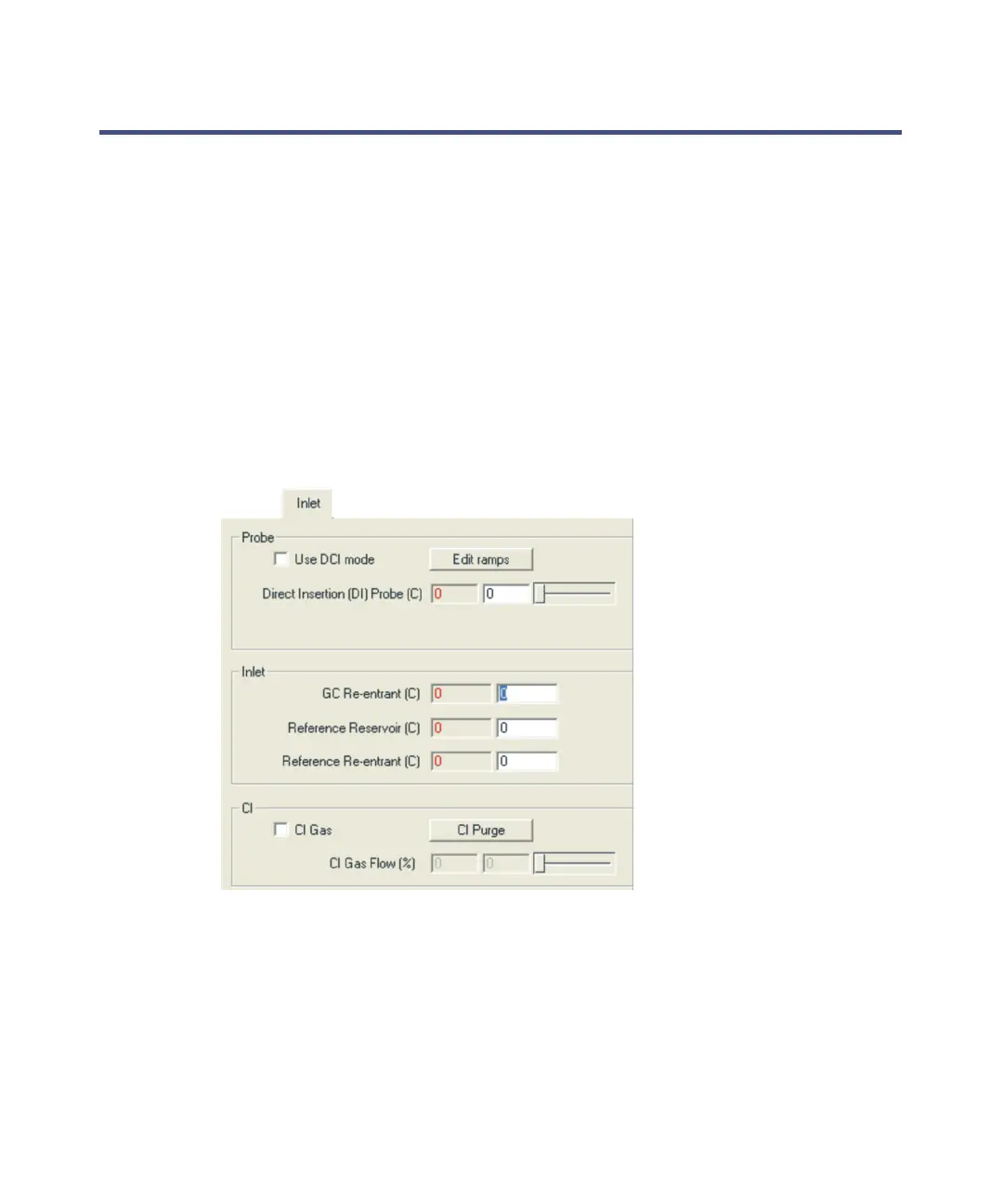
1. In the MassLynx Tune window Inlet tab, ensure that the Use DCI mode
check box is not selected.
Tune window Inlet tab:
2. Enter the required temperature in the Solids Probe text box.
3. Press the Enter key.
Alternative: Use the slider control to select the required temperature.
Tip: For safety reasons, the temperature is set to 0 at the start of an
acquisition. Once the acquisition has started, you can manually ramp
the probe temperature using this control.











 To Next Page