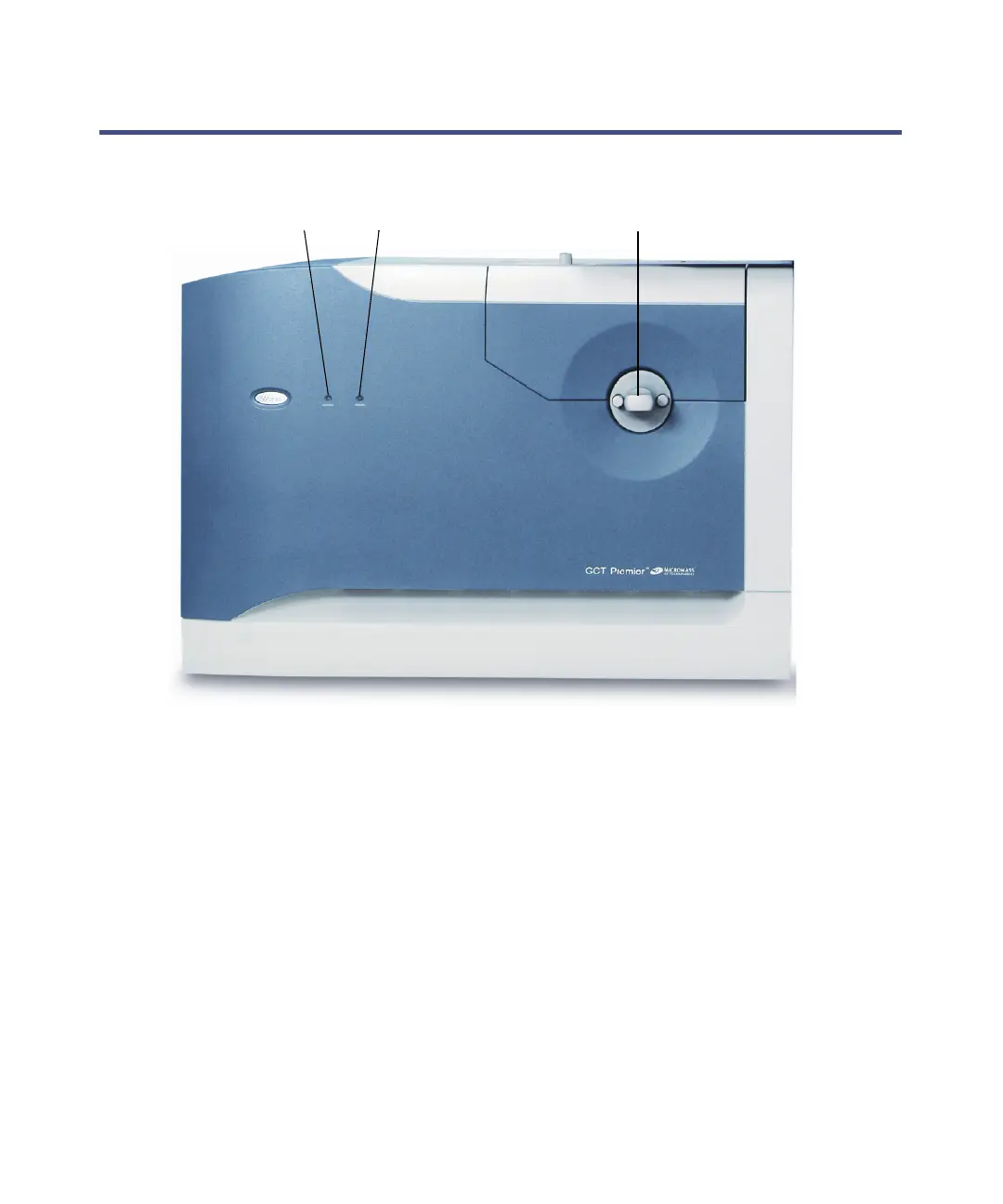
Controls and indicators on the instruments’ front panel 1-9
Controls and indicators on the instruments’ front panel
Front view of the instrument:
Status display
The Vacuum and Operate light-emitting diodes (LEDs) are at the left of the
instrument’s front panel.
The Vacuum LED indicates the instrument’s vacuum status.
See also: Table titled “Vacuum LED display:” on page 1-10.
The Operate LED indicates the instrument’s operational status.
See also: Table titled “Operate LED display:” on page 1-10
Vacuum LED Operate LED Inner source handle











 To Next Page