4-10 Acquiring Data
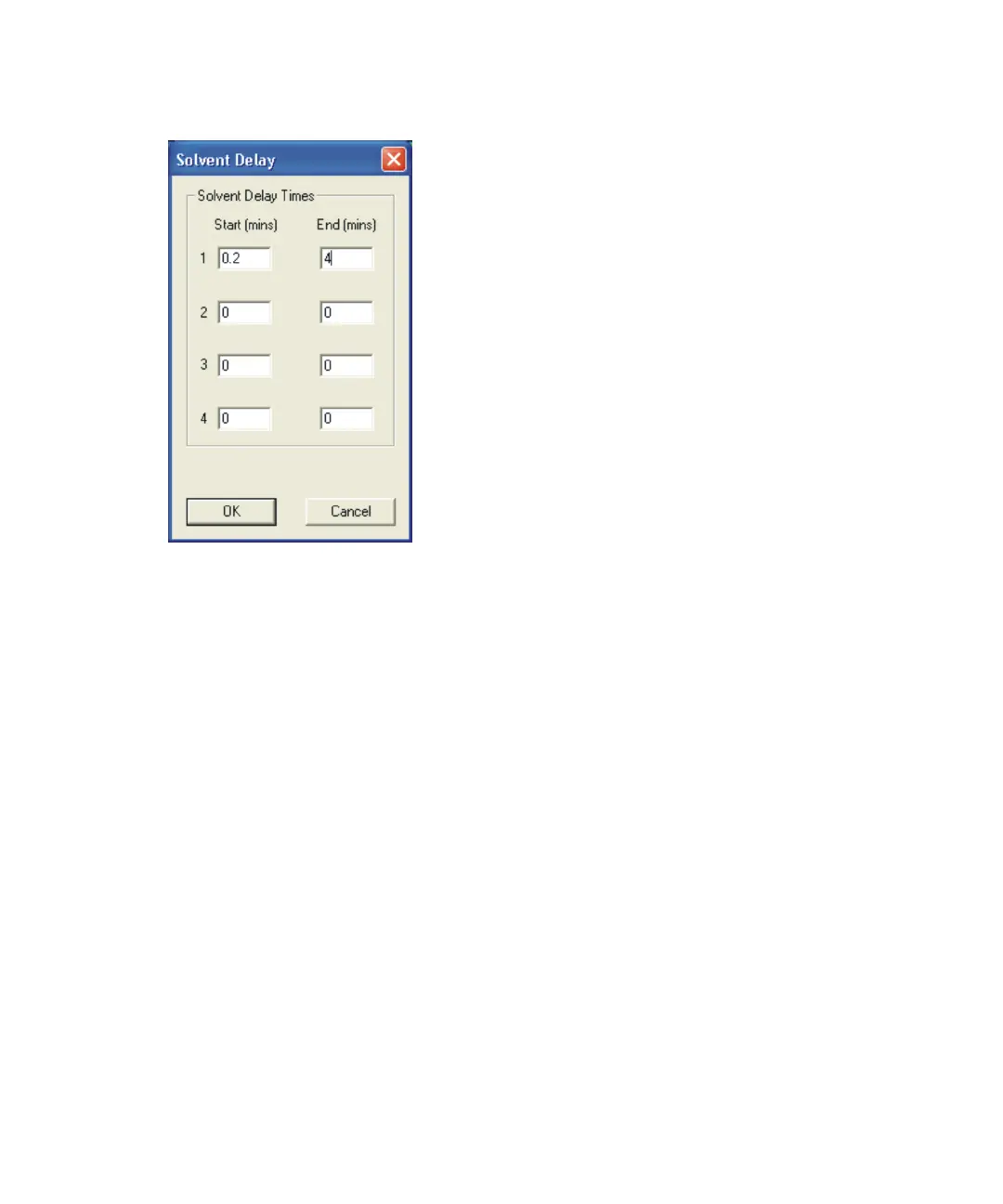
Solvent Delay dialog box:
MassLynx does not store data during the solvent delay period. Also,
MassLynx turns off the source filament during that period. Therefore, solvent
peaks that would normally appear as eluting on the TIC (Total Ion Count)
chromatogram no longer appear.
The delay time depends on the solvent used. You can set up to four solvent
delays.
Note: An initial time is also required in the Start field as a number of software
functions require a number of scans of background data. Therefore, the value
0.2 is used in the dialog box.
Acquiring analog data
Four analog data channels are available within MassLynx. MassLynx stores
the analog data with the data acquired from the mass spectrometer.
Analog channels are typically used to collect data from external units such as
flame ionization detectors, which must be connected to the analog channel
connectors.
See also: Figure titled “Analog Inputs, Contact Closure Inputs, and Contact
Closure Event Out outputs:” on page 1-14.











 To Next Page