5-24 Calibration
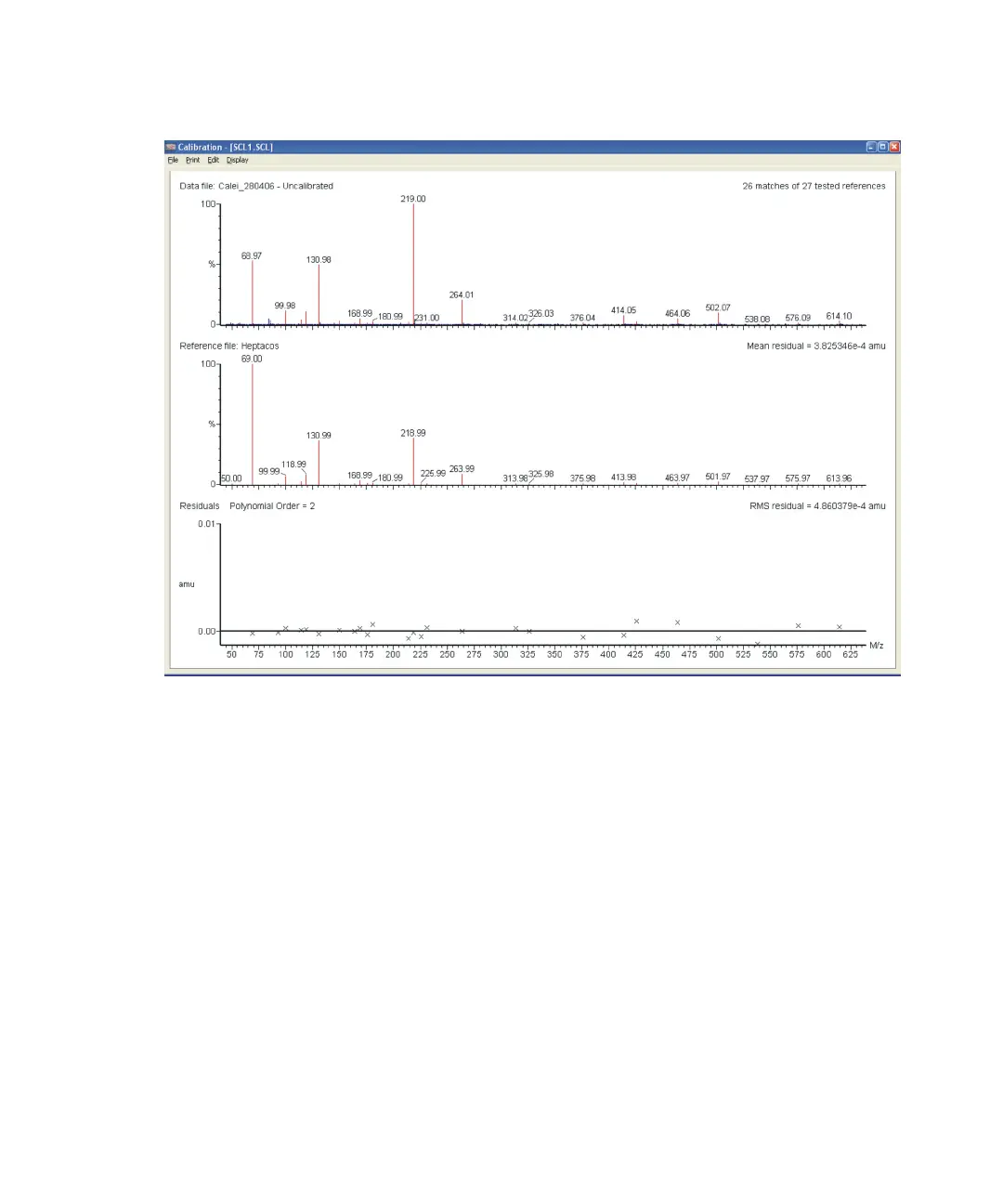
Manual calibration report:
To save the calibration:
1. In the Calibration report window, click File > Save As.
2. Save the file with an appropriate name with the extension .scl.
To convert the calibration file:
1. In the Tune window Calibration tab, click Open Calibration.
2. Browse to the calibration file that you have created with the .scl
extension.
3. Click Open, to open the calibration file.
4. Click Convert SCL to CAL, to convert the file.
The .cal calibration file is now set in the Tune window and used for
subsequent acquisitions.











 To Next Page