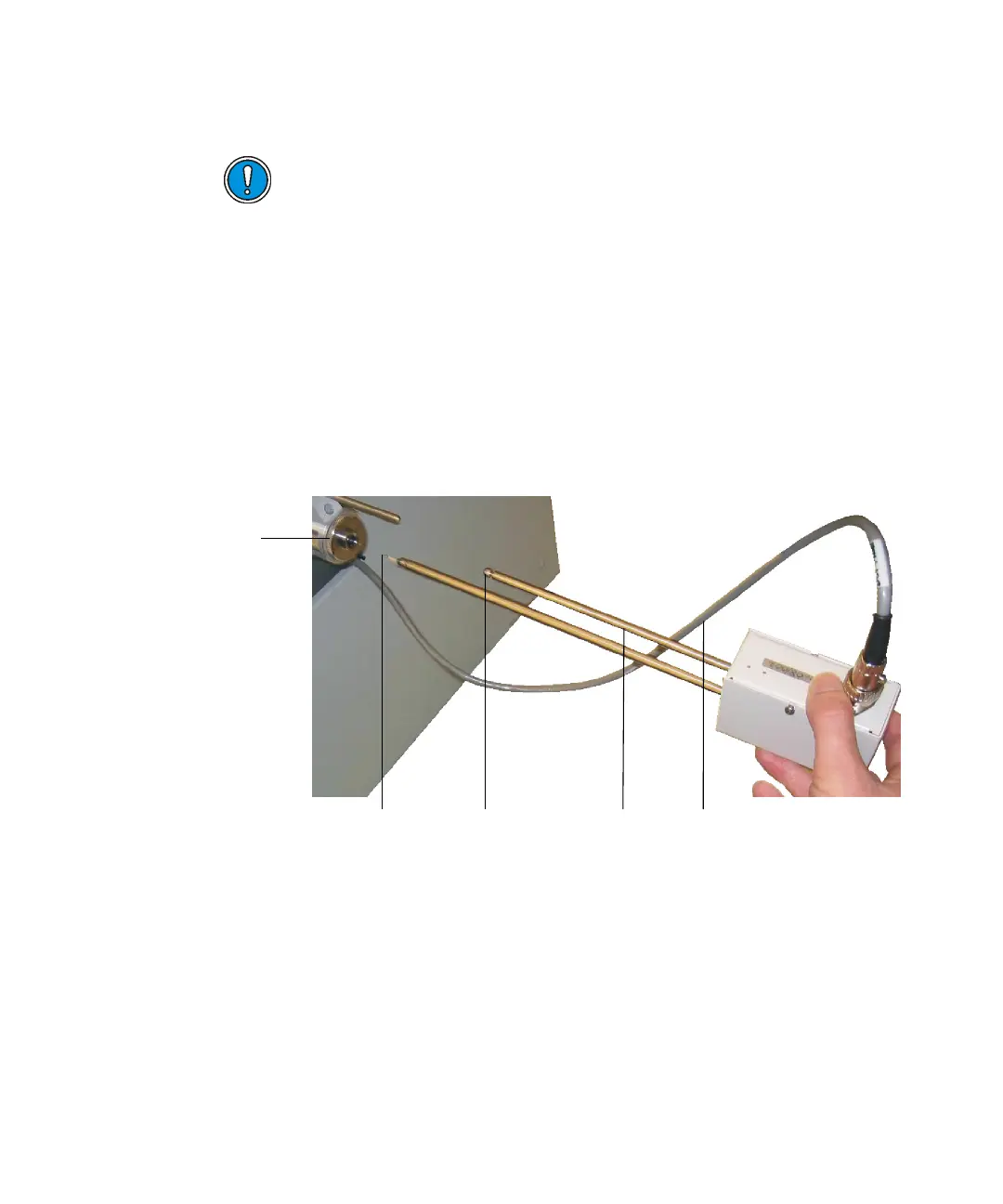
Inserting and removing the DCI probe 8-5
Tip: Lubricate the probe shaft with molybdenum disulphide to ensure
smooth travel when inserting it into the probe lock.
3. Insert the probe into the probe insertion lock until the probe reaches the
the first stop position on the guide rod.
Tip: The instrument has a microswitch to prevent the probe heater being
activated if the probe is not fully inserted.
Inserting the DCI probe:
4. Connect the probe’s lead to the probe connector on the instrument side
panel.
5. Press the VAC button on the instrument side panel.
Tip: On the MassLynx Tune window, click Vacuum > Monitor to display
the vacuum levels. You should see the backing pressure rise and then
fall into the green region as the lock is pumped out (evacuated).
6. Wait until the green light in the VAC button illuminates.
Caution:
• Do not use Santovac oil as a lubricant on the probe shaft, it
causes a contamination.
• The wire filament at the end of the DCI probe tip is fragile. Be
careful not to damage the tip when handling it.
First stop Guide rod Probe cableDCI probe tip
nsertion Lock











 To Next Page