The Tune window Settings menu B-17
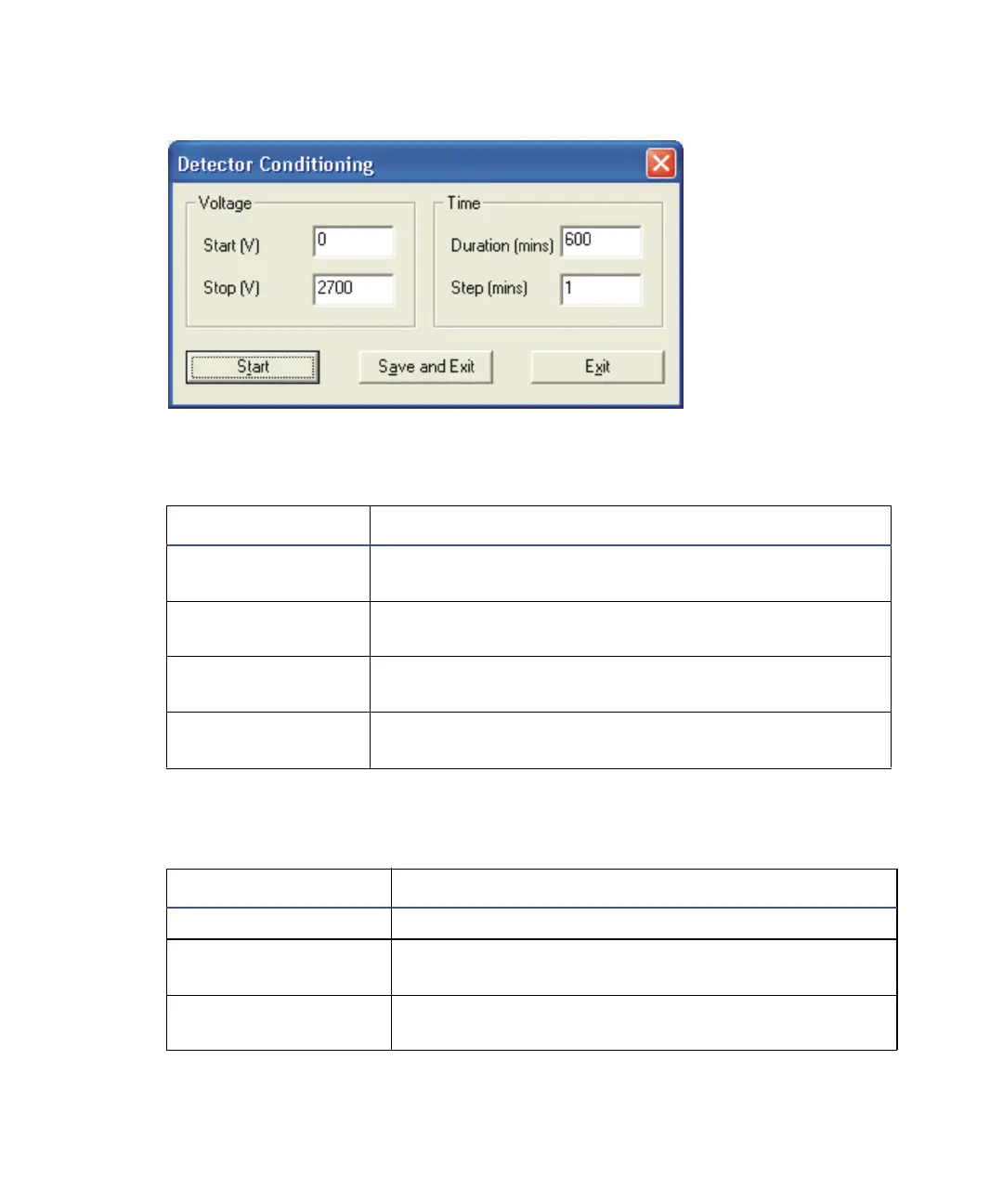
Detector Conditioning dialog box:
See also: Detector maintenance on page 10-50.
Detector Conditioning parameters:
Parameter Description
Start (V) The voltage at which the detector conditioning starts.
Set this voltage to 0.
Stop (V) The voltage at which the detector conditioning stops.
Set this voltage to 2700.
Duration (mins) The number of minutes it will take to ramp the
voltage from the start voltage to the stop voltage.
Step (mins) The time between each voltage increment. Set this to
1 to avoid large voltage increments.
Detector Conditioning dialog box buttons:
Button Description
Start Starts conditioning the detector.
Save and Exit Saves the parameters for later use, and closes the
dialog box.
Exit Closes the Detector Conditioning dialog box without
saving any changes.











 To Next Page