Changing the EI/CI outer source assembly 2-7
6. Loosen the two thumbscrews that retains the GC interface, and pull the
interface approximately 2 cm back on its support rods.
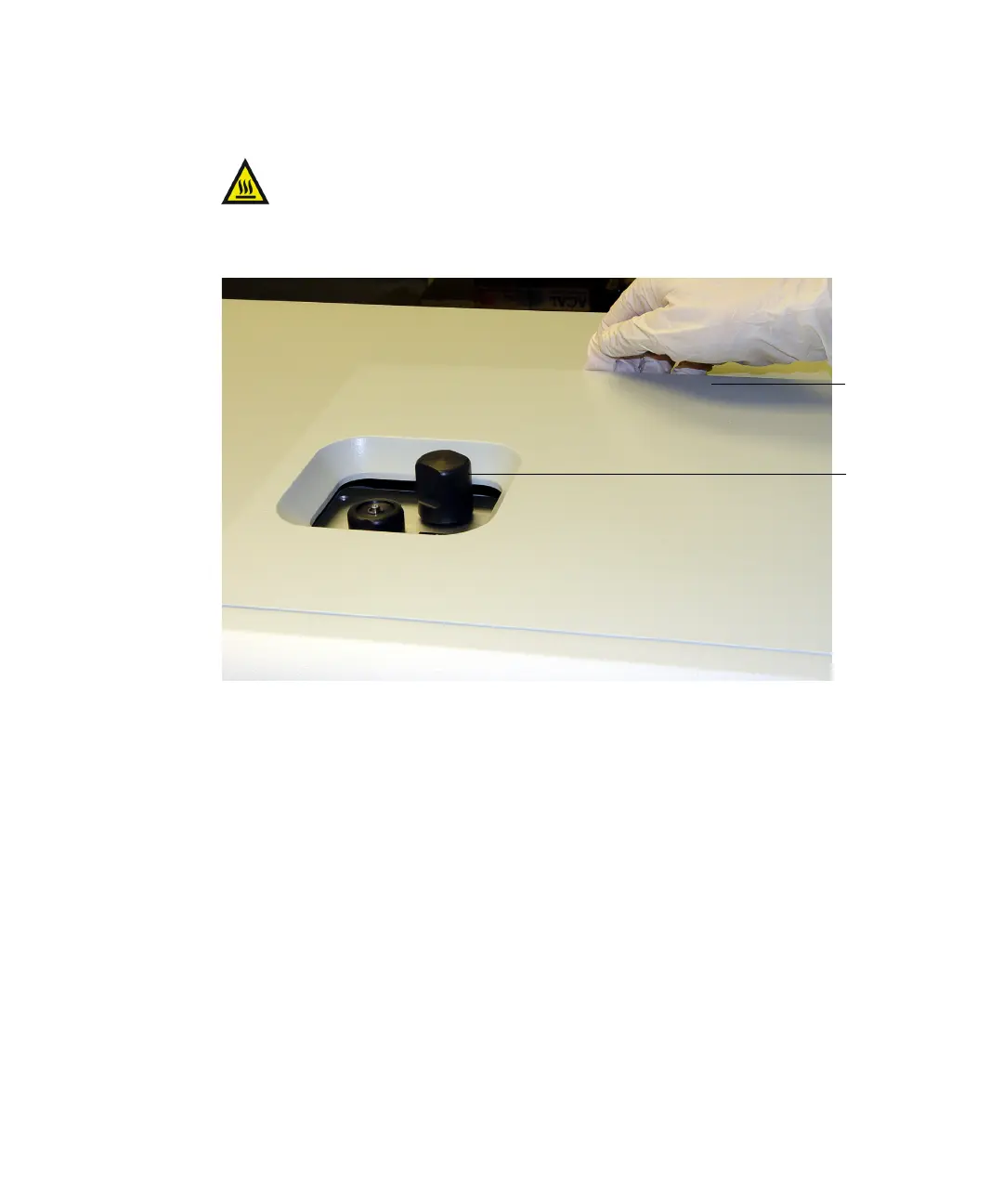
7. Lift the top cover from the back, and pull forward to remove.
Warning: To avoid burn injuries, allow the outer source lid
assembly to cool before handling it.
Outer source
lid assembly
cover
Reference
reservoir
pump
valve











 To Next Page