3-4 Tuning the Instrument
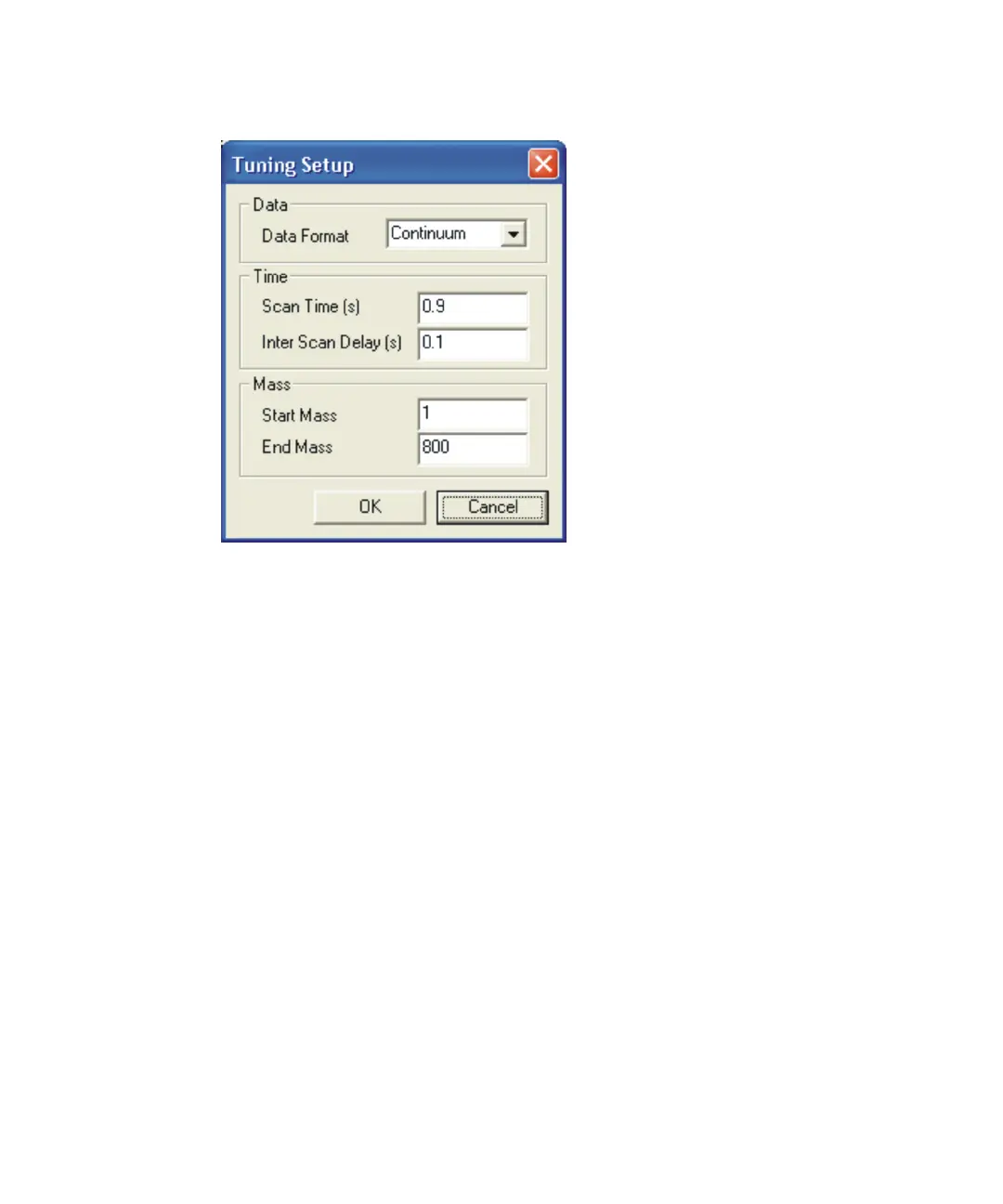
Tuning Setup dialog box:
7. In the Tuning Setup dialog box, Time pane, set the Scan Time (s) to 0.9.
8. In the Time pane, set the Inter Scan Delay (s) to 0.1.
9. In the Data Format pane, click Continuum in the Data Format list.
10. Click OK.
11. Right-click in the Peak Display and click Intensity > Normalise Data.
Result: The display is scaled to the value of the intensity of the highest
peak.
You should be able to identify some low mass ions on the peak display of
the Tune window, such as nitrogen and water, as shown in the following
figure.











 To Next Page