92 Objects
2001 Cheltenham Computer Training PageMaker 6.5 Foundation
FOR USE AT THE LICENSED SITE(S) ONLY
Cheltenham Computer Training 1995-2001 - www.cctglobal.com
Selecting Objects
© Cheltenham Computer Training 2001
Adobe PageMaker 6.5 - Slide No 38
Selecting Objects
• Use the Pointer tool when
selecting objects.
• You can select a single
object, or you can select
multiple objects and modify
them all at once.
Selecting
single Object
with the
Pointer Tool
• Use the Pointer tool when selecting objects. You can select a single
object, or you can select multiple objects and modify them all at once.
When objects overlap, you can select them through the stack of
objects.
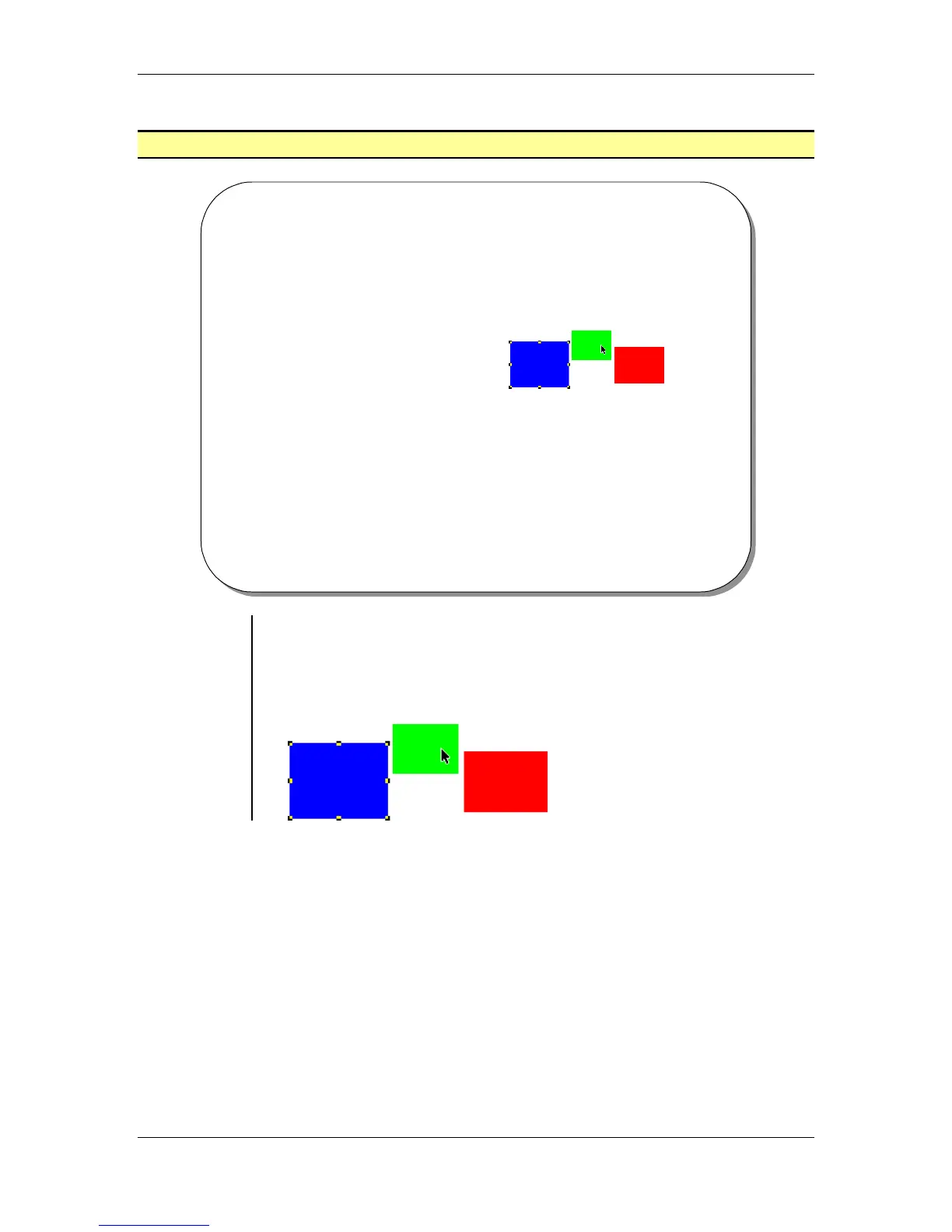
• To select a single object, click on the object with the pointer tool:



 To Next Page