66 Text
2001 Cheltenham Computer Training PageMaker 6.5 Foundation
FOR USE AT THE LICENSED SITE(S) ONLY
Cheltenham Computer Training 1995-2001 - www.cctglobal.com
Placing Text
© Cheltenham Computer Training 2001
Adobe PageMaker 6.5 - Slide No 29
Placing Text
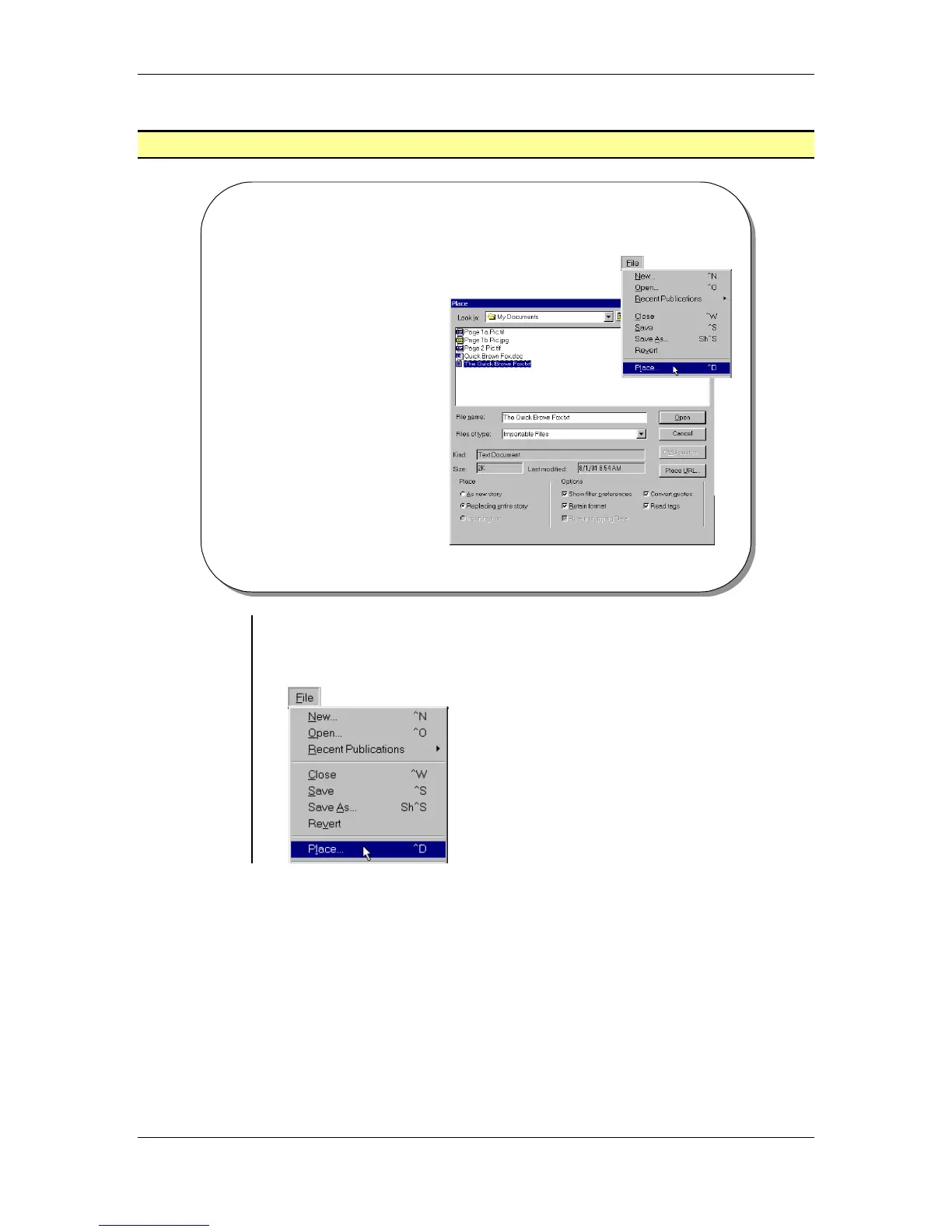
• The Place Dialog Box
allows you to import text
from various sources.
• PageMaker can import
such files as Spreadsheet
or Database documents,
Word-Processed
documents, another
PageMaker Story files,
ASCII text files, Rich Text
files and HTML files.
Using the
Place dialog
box
• To open the Place dialog box:
From the main menu, choose File > Place
OR
press the Ctrl + D key combination:



 To Next Page