EXERCISES - Pictures 21
PageMaker 6.5 Foundation 2001 Cheltenham Computer Training
FOR USE AT THE LICENSED SITE(S) ONLY
Cheltenham Computer Training 1995-2001 - www.cctglobal.com
Pictures
Placing Pictures
• Within your Toolbox select the Pointer tool.
• Open the Place dialog box.
• Choose the “Page 1a Pic.tif” file from the PageMaker 6.5 Foundation Work Folder.
• Then select Open.
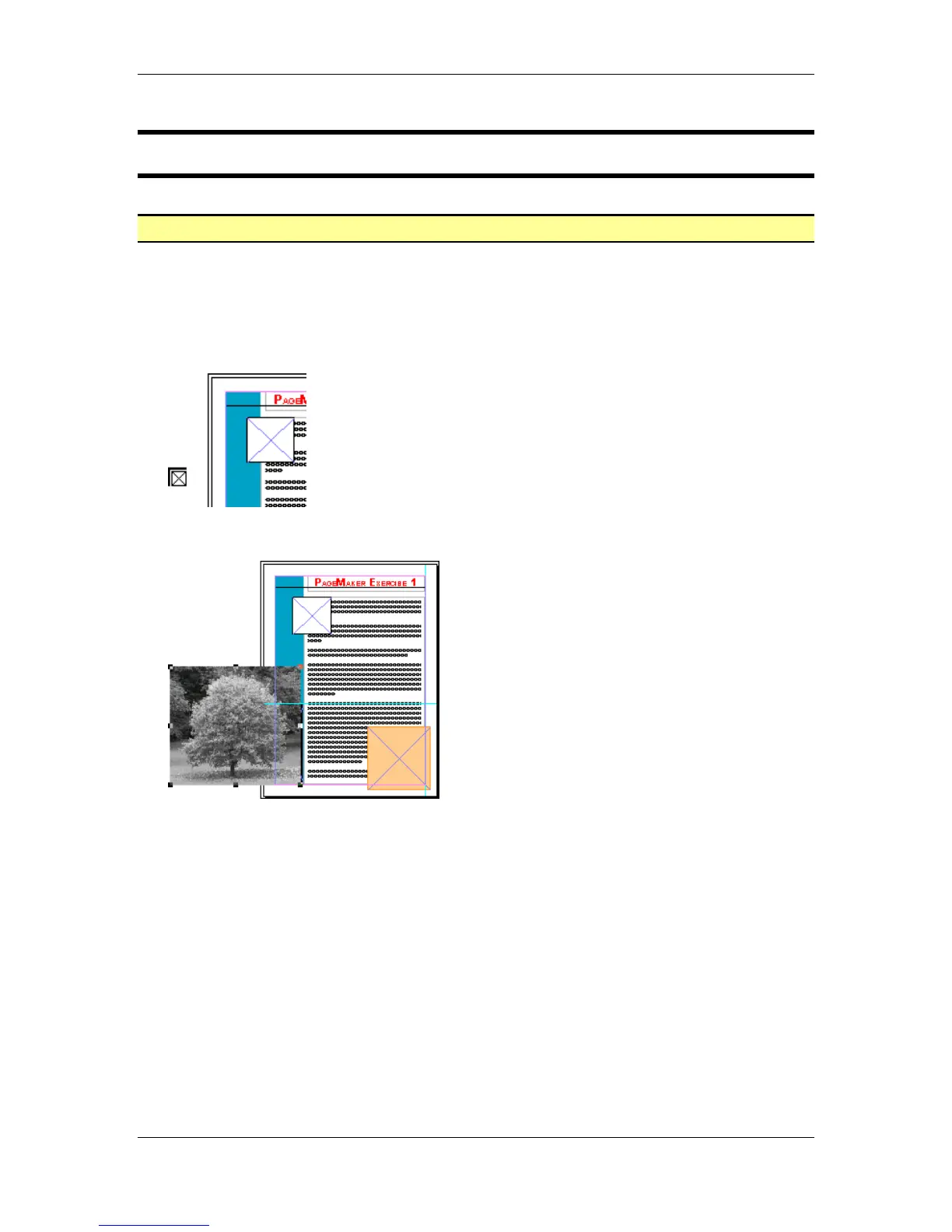
• When you see the Graphic icon, place it over the pasteboard:
• Select the graphic:



 To Next Page