PostScript Printing 121
PageMaker 6.5 Intermediate 2001 Cheltenham Computer Training
FOR USE AT THE LICENSED SITE(S) ONLY
Cheltenham Computer Training 1995-2001 - www.cctglobal.com
Page Bleeds
© Cheltenham Computer Training 2001
Adobe PageMaker 6.5 - Slide No 43
Page Bleeds
• A Page Bleed is the area outside
the publication page. It is used
when you have an object or fill
that extends to the size of the
page.
Printing
bleeds
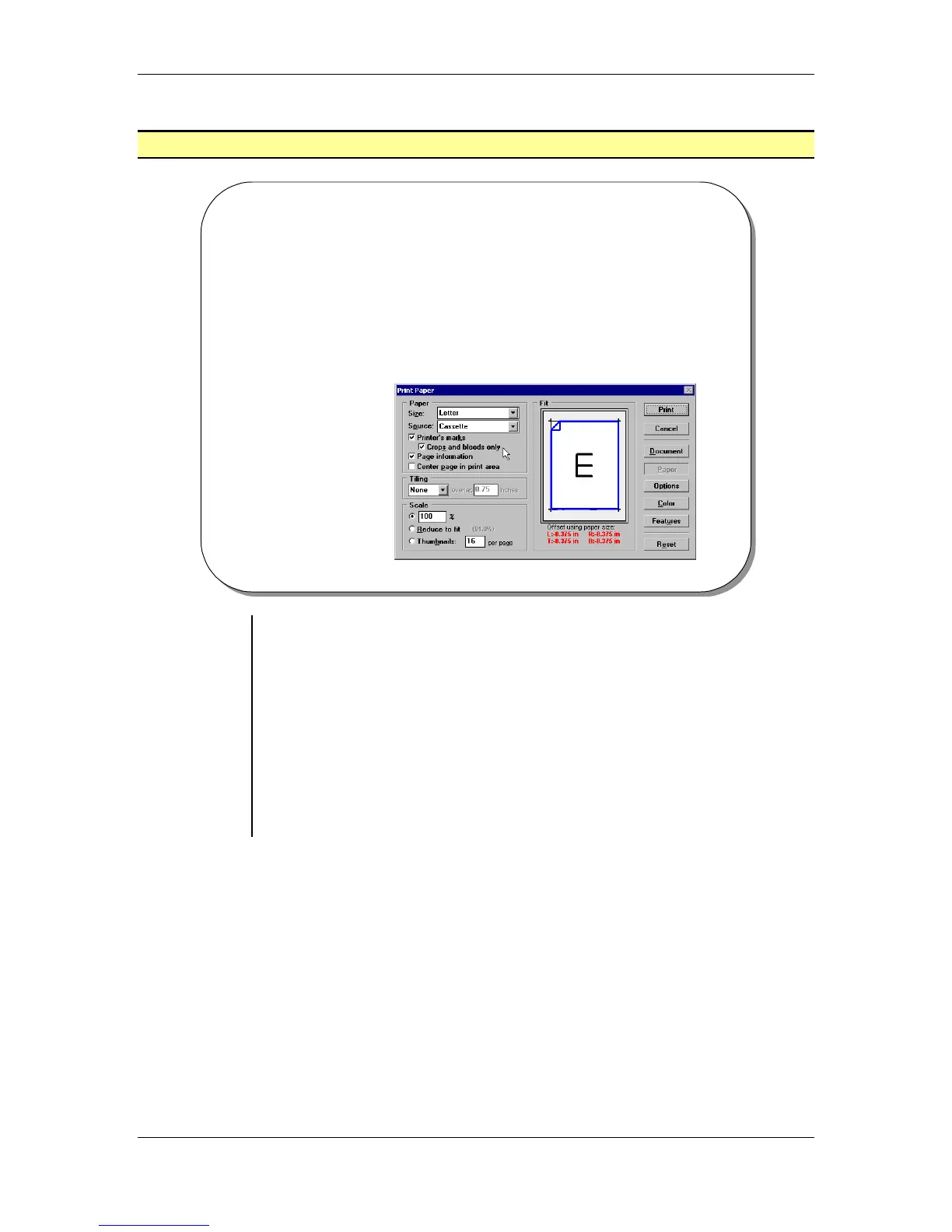
• A Page Bleed is the area outside the live publication page. It is used
when you have an object or fill that extends to the size of the page.
To print pages with bleeds:
• From the main menu, choose File > Print.
• Select a PostScript printer from the printer drop-down list.
• Select the PPD for your printer type.
• Set any other option from the Print Document dialog box that may
apply to your publication such as page range, non-printing setting
and orientation.
• Click the Paper button.
• Check the Printer’s Marks option.



 To Next Page