Output 111
PageMaker 6.5 Foundation 2001 Cheltenham Computer Training
FOR USE AT THE LICENSED SITE(S) ONLY
Cheltenham Computer Training 1995-2001 - www.cctglobal.com
Print Paper
© Cheltenham Computer Training 2001
Adobe PageMaker 6.5 - Slide No 46
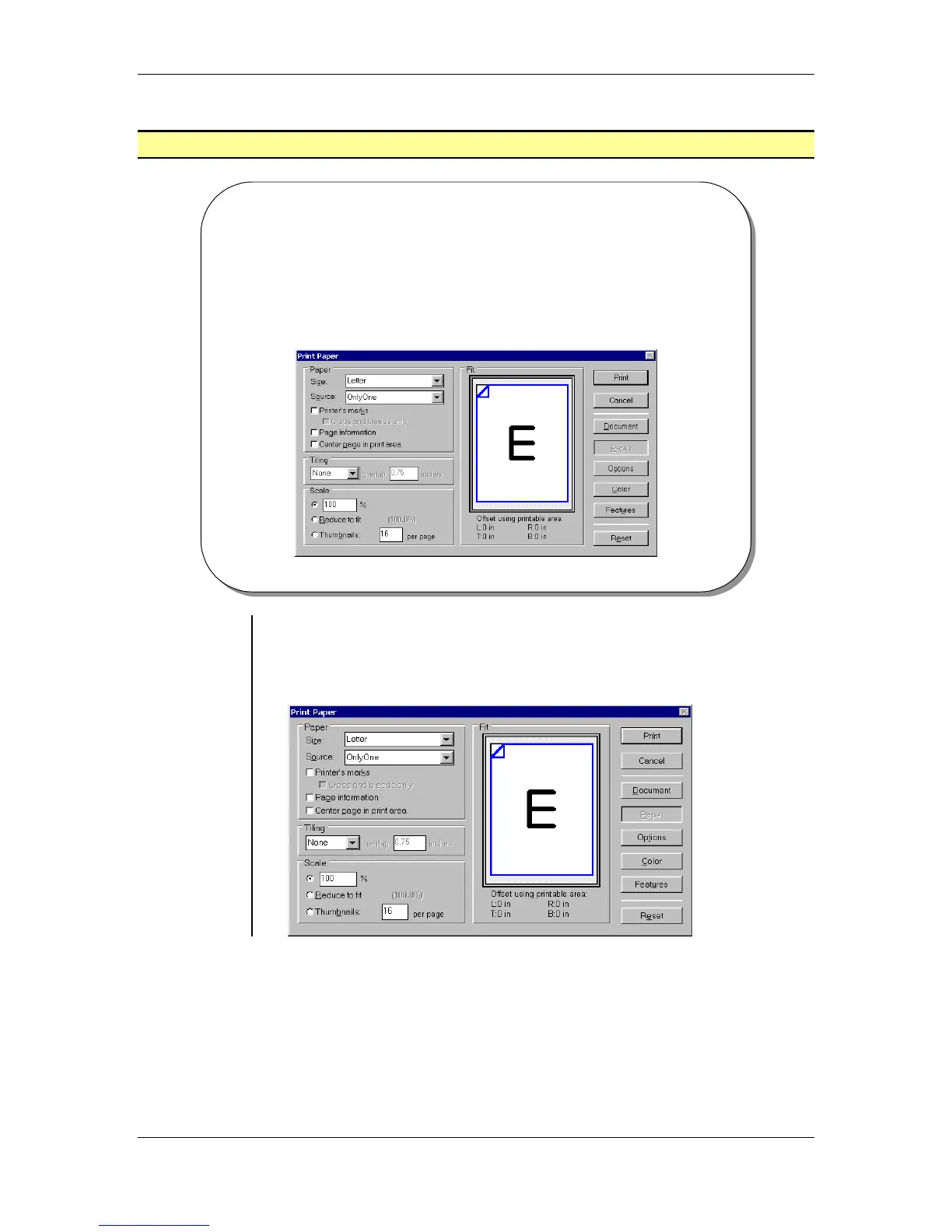
Print Paper
• The Print Paper dialog box allows you to define settings that
determine how the publication will print on the various paper
sizes available on you printer or output device.
Setting Print
Paper
options
• The Paper button will display the Print Paper dialog box which
allows you to define settings that determine how the publication will
print on the various paper sizes available on you printer or output
device:



 To Next Page