52 Colors and Fills
2001 Cheltenham Computer Training PageMaker 6.5 Foundation
FOR USE AT THE LICENSED SITE(S) ONLY
Cheltenham Computer Training 1995-2001 - www.cctglobal.com
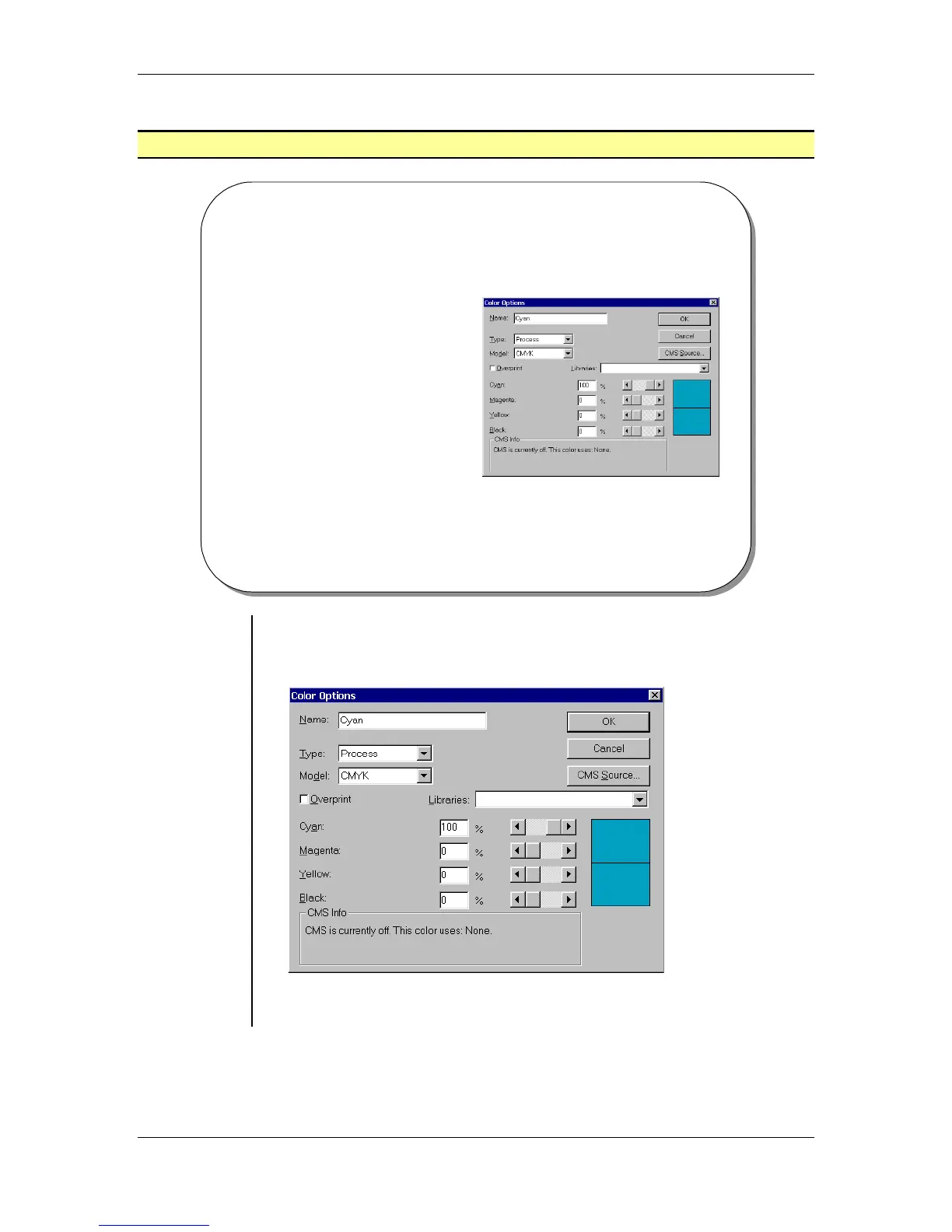
Color Options Dialog Box
© Cheltenham Computer Training 2001
Adobe PageMaker 6.5 - Slide No 24
Color Options Dialog Box
• To select a color or choose
a color model (such as
RGB), go to the Color
Options dialog box by
choosing Utilities > Define
Color and clicking the New
button.
Using the
Color
Options
dialog box
• To select a color or choose a color model (such as RGB), go to the
Color Options dialog box by choosing Utilities > Define Color and
clicking the New button:
Note: You can also click the New Color icon at the bottom of the
Colors palette to open the Color Options dialog box.



 To Next Page