6 Documents - EXERCISES
2001 Cheltenham Computer Training PageMaker 6.5 Foundation
FOR USE AT THE LICENSED SITE(S) ONLY
Cheltenham Computer Training 1995-2001 - www.cctglobal.com
Changing the Document Setup
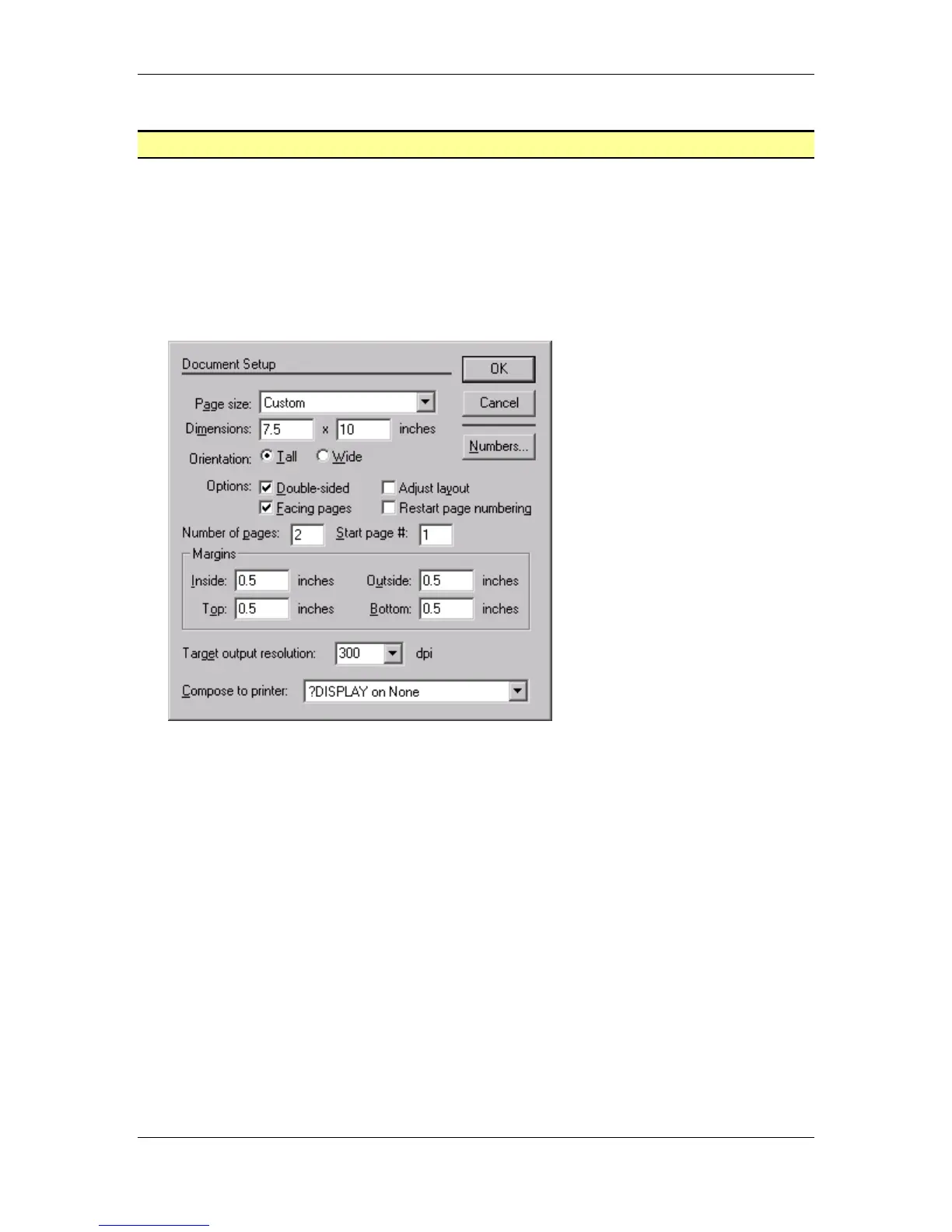
• From the Main menu, choose File > Document Setup.
• Change the page size to:
Orientation: Tall
Width: 7.5
Height: 10
• Select the OK button:
Note: If the page becomes hard to read, please select from the main
menu View > Fit in Window.



 To Next Page