32 Objects - EXERCISES
2001 Cheltenham Computer Training PageMaker 6.5 Foundation
FOR USE AT THE LICENSED SITE(S) ONLY
Cheltenham Computer Training 1995-2001 - www.cctglobal.com
Resizing and Modifying Objects
• Select the Rectangle tool.
• In the Colors palette, select the Stroke icon.
• Choose the Color None.
• Select the Fill icon.
• Choose the Cyan Color.
• From the Tint drop-down list, choose 15%.
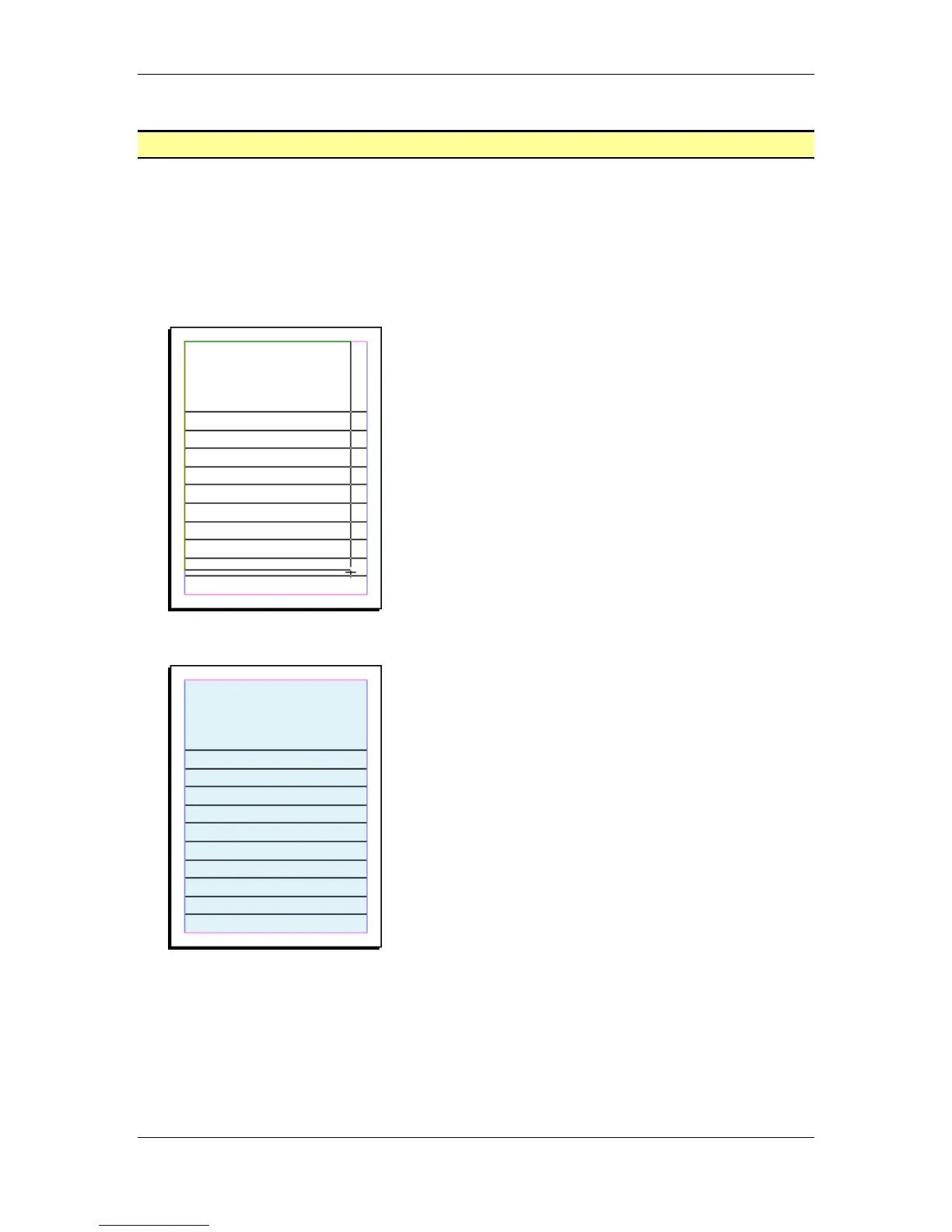
• Click and drag a box from the Top left corner margin to the bottom Right corner margin:
• Send the blue box to the back:
• Save your work.
Note: Open the PageMaker Exercise 1 Final.p65 file from the PageMaker 6.5 Foundation
Samples folder to see an example.



 To Next Page