80 Pictures
2001 Cheltenham Computer Training PageMaker 6.5 Intermediate
FOR USE AT THE LICENSED SITE(S) ONLY
Cheltenham Computer Training 1995-2001 - www.cctglobal.com
Importing EPS Images
© Cheltenham Computer Training 2001
Adobe PageMaker 6.5 - Slide No 30
Importing EPS Images
•
When it comes to importing
images into PageMaker,
EPS files are the most
flexible graphic file type to
use.
• They can be used for
Vector artwork such as 2D
logos, or Bitmaps. They
can also contain Clipping
paths extra colors that be
used in PageMaker.
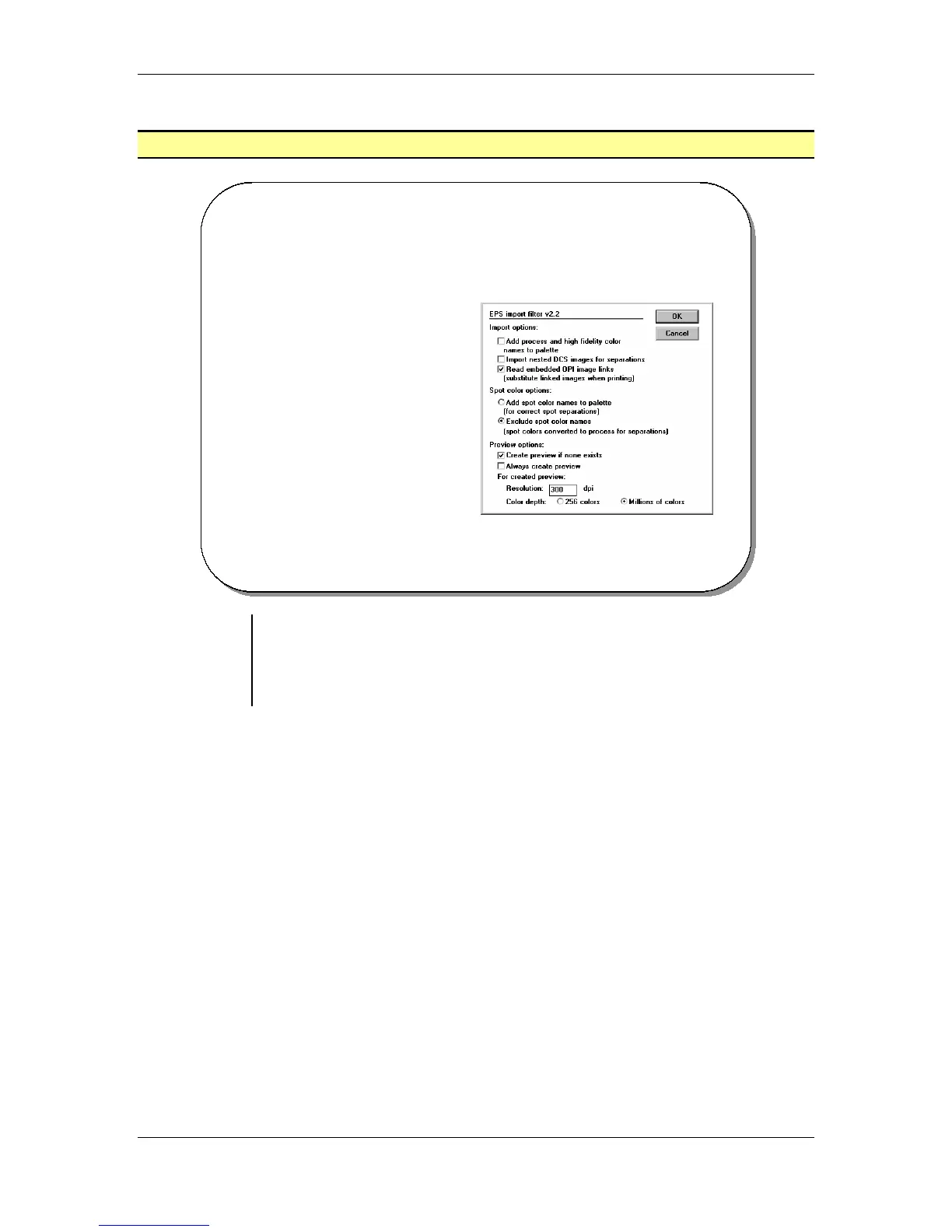
Using the
EPS import
filter to place
EPS images
• When it comes to importing images into PageMaker, EPS files are the
most flexible graphic file type to use.
• They can be used for Vector artwork such as 2D logos, or Bitmaps.
They can also contain Clipping paths, or extra colors that can be
used in PageMaker:



 To Next Page