16 PageMaker Interface
2001 Cheltenham Computer Training PageMaker 6.5 Foundation
FOR USE AT THE LICENSED SITE(S) ONLY
Cheltenham Computer Training 1995-2001 - www.cctglobal.com
Using the
Paragraph
View
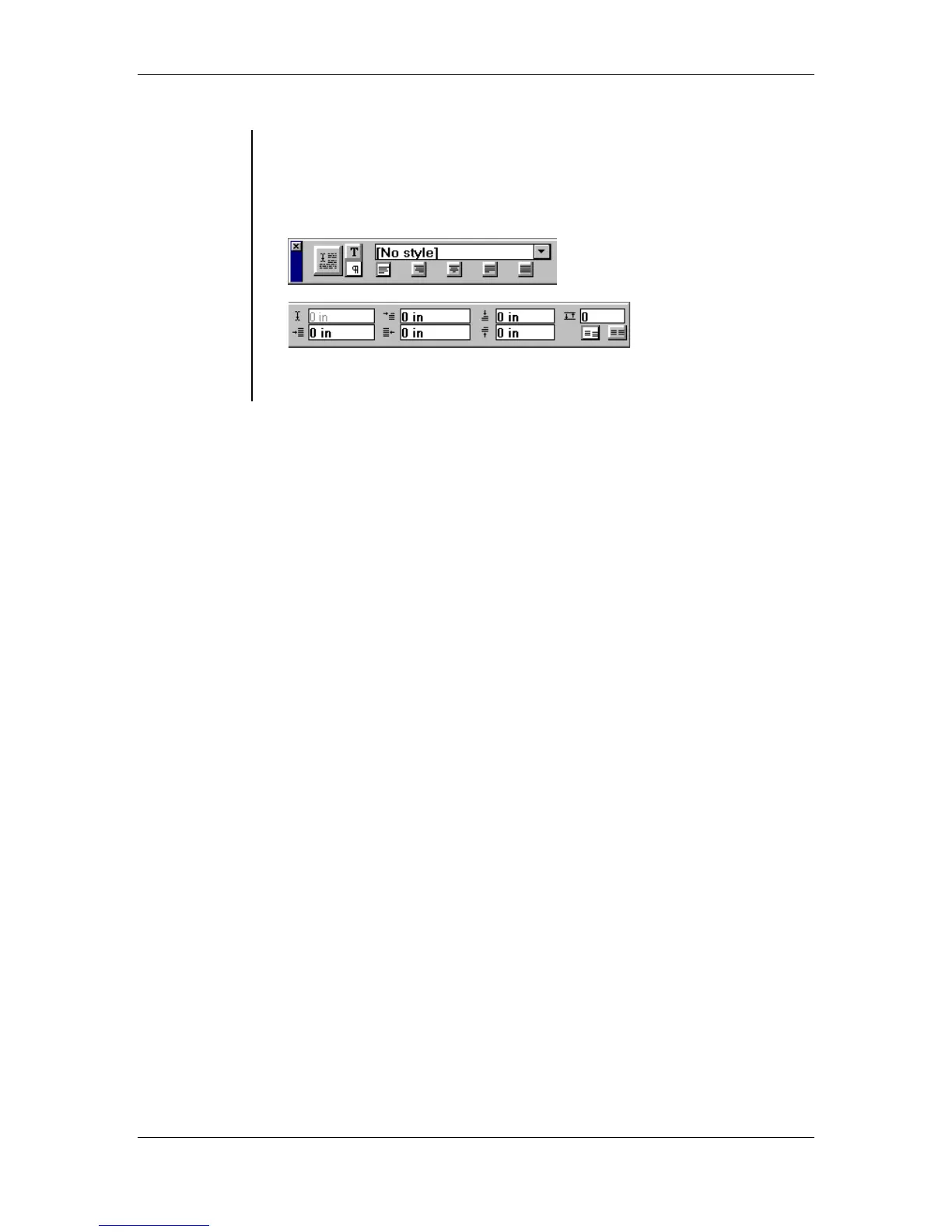
• The Paragraph View of the Control palette offers many of the same
options as the Character View. Such as, Apply button,
Character/Paragraph buttons Alignment, Style, Cursor position
indicator, First line indent, Right indent, Left indent, Add space above
paragraph, Grid options, Add space after paragraph:
Note: To toggle between the character and paragraph views of the
Control palette, press the Ctrl + Shift + ‘ key combination.



 To Next Page