102 Objects
2001 Cheltenham Computer Training PageMaker 6.5 Foundation
FOR USE AT THE LICENSED SITE(S) ONLY
Cheltenham Computer Training 1995-2001 - www.cctglobal.com
Using Send
to Back
• The Send To Back command will move selected objects to the back
most level of any overlapping objects. This is unavailable if no objects
are selected, or no publication is open.
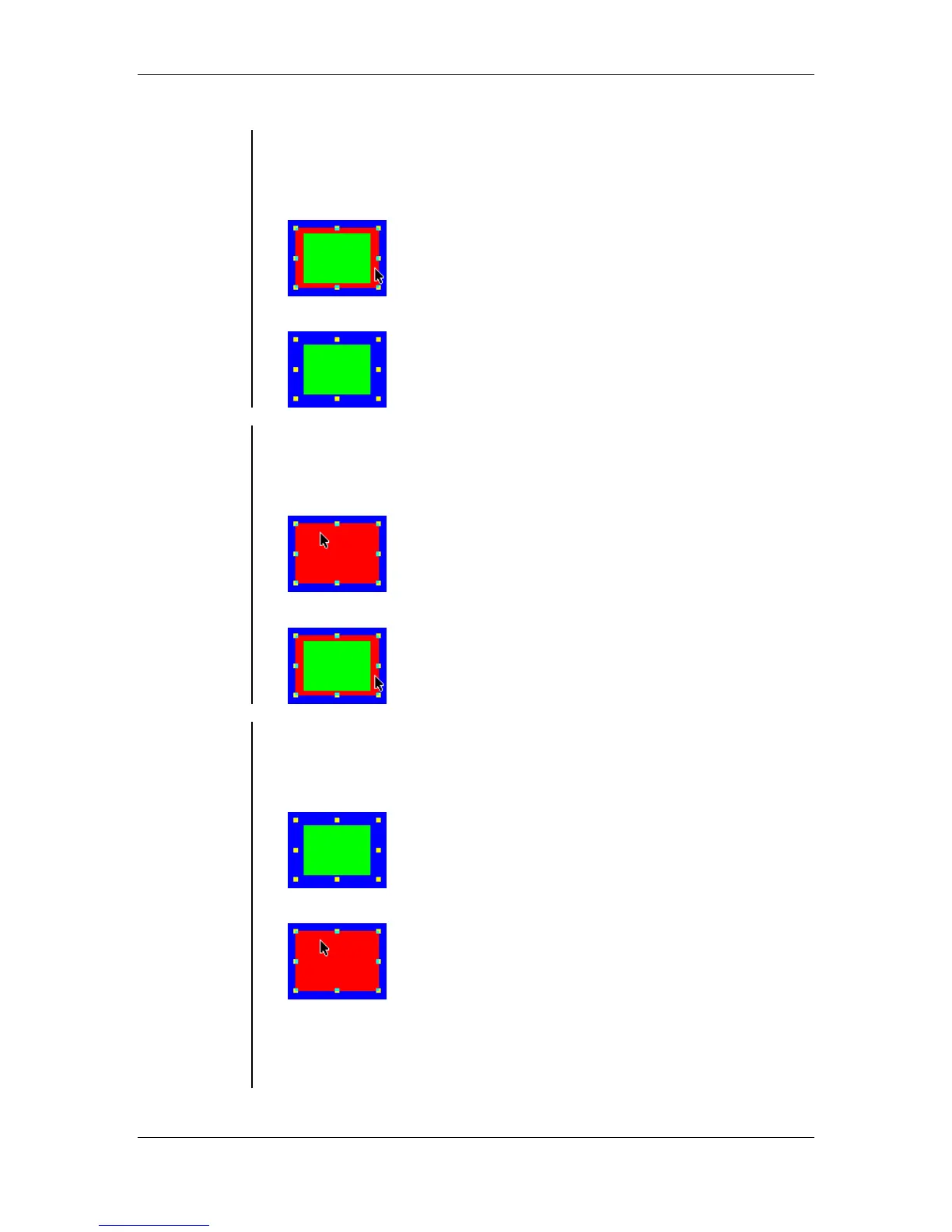
Selected Object:
Selected object sent to back:
Using Send
Backward
• The Send Backward command will move selected objects back one
level in a stack of overlapping objects. This is unavailable if no objects
are selected, or no publication is open.
Selected Object:
• Selected Object sent back one level:
Using Bring
To Front
• The Bring To Front command will move selected objects to the front
most level of any overlapping objects. This is unavailable if no objects
are selected, or no publication is open.
Selected object sent to back by mistake:
Problem corrected by brining it to the front:
Note: Hold down Ctrl as you click to select an object that is behind
another object. Each time you click on overlapping objects, you select
the next level down in the stacking order, or through to the topmost
object in the next layer in the stack of layers.



 To Next Page