Output 107
PageMaker 6.5 Foundation 2001 Cheltenham Computer Training
FOR USE AT THE LICENSED SITE(S) ONLY
Cheltenham Computer Training 1995-2001 - www.cctglobal.com
Print Document
© Cheltenham Computer Training 2001
Adobe PageMaker 6.5 - Slide No 45
Print Document
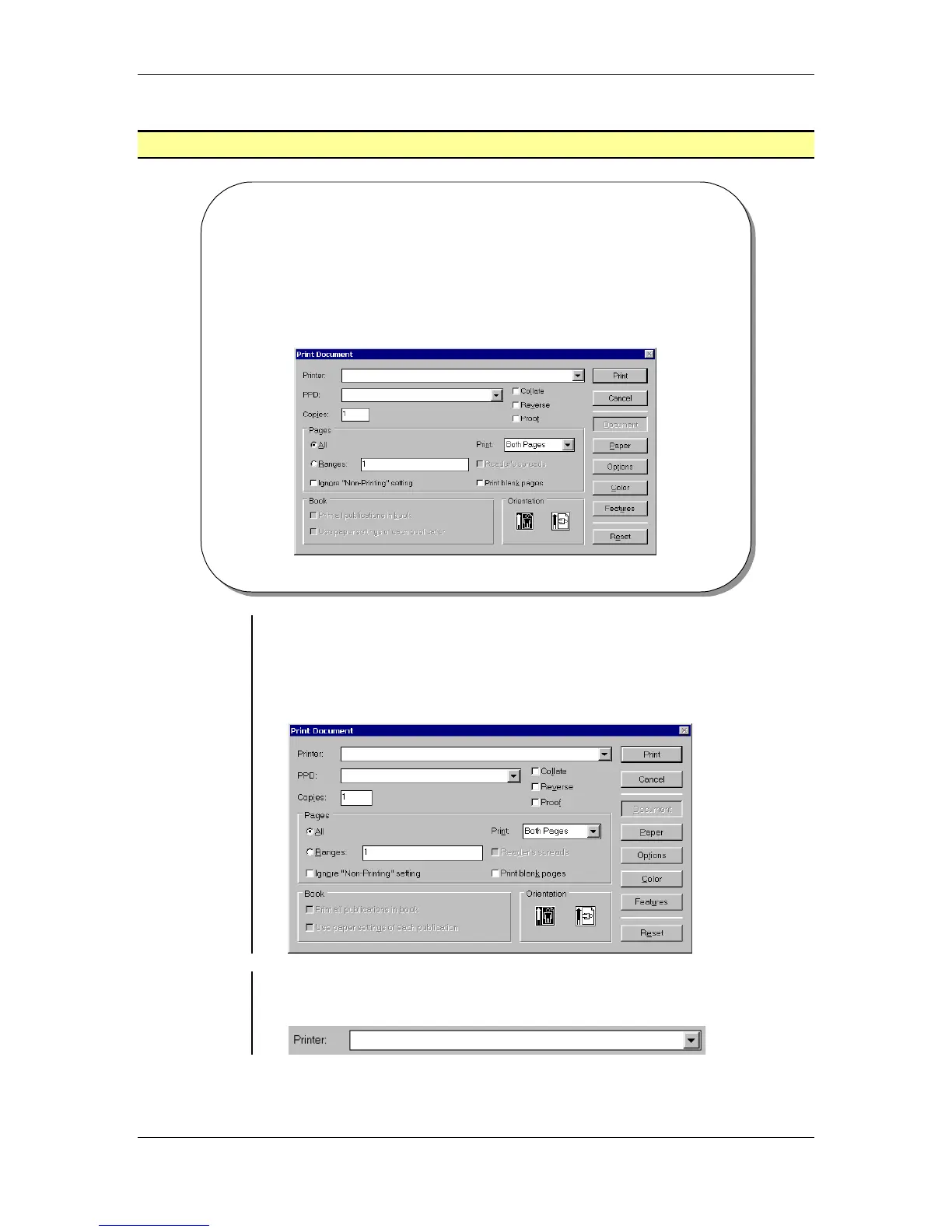
• The Print Document displays settings that will allow you to
setup various output options.
Setting Print
Document
options
• The Document button will display Print Document dialog box which
allows you to setup various output options such as, which printer you
will output from, the page you want to print, the number of pages you
would like to print and the orientation you would like to publication to
print to:
Selecting a
Printer
• The Printer drop-down list allows you to choose various types of
printers you may have installed locally or on a network:



 To Next Page