Text 65
PageMaker 6.5 Foundation 2001 Cheltenham Computer Training
FOR USE AT THE LICENSED SITE(S) ONLY
Cheltenham Computer Training 1995-2001 - www.cctglobal.com
Inputting text
into a Text
Frame
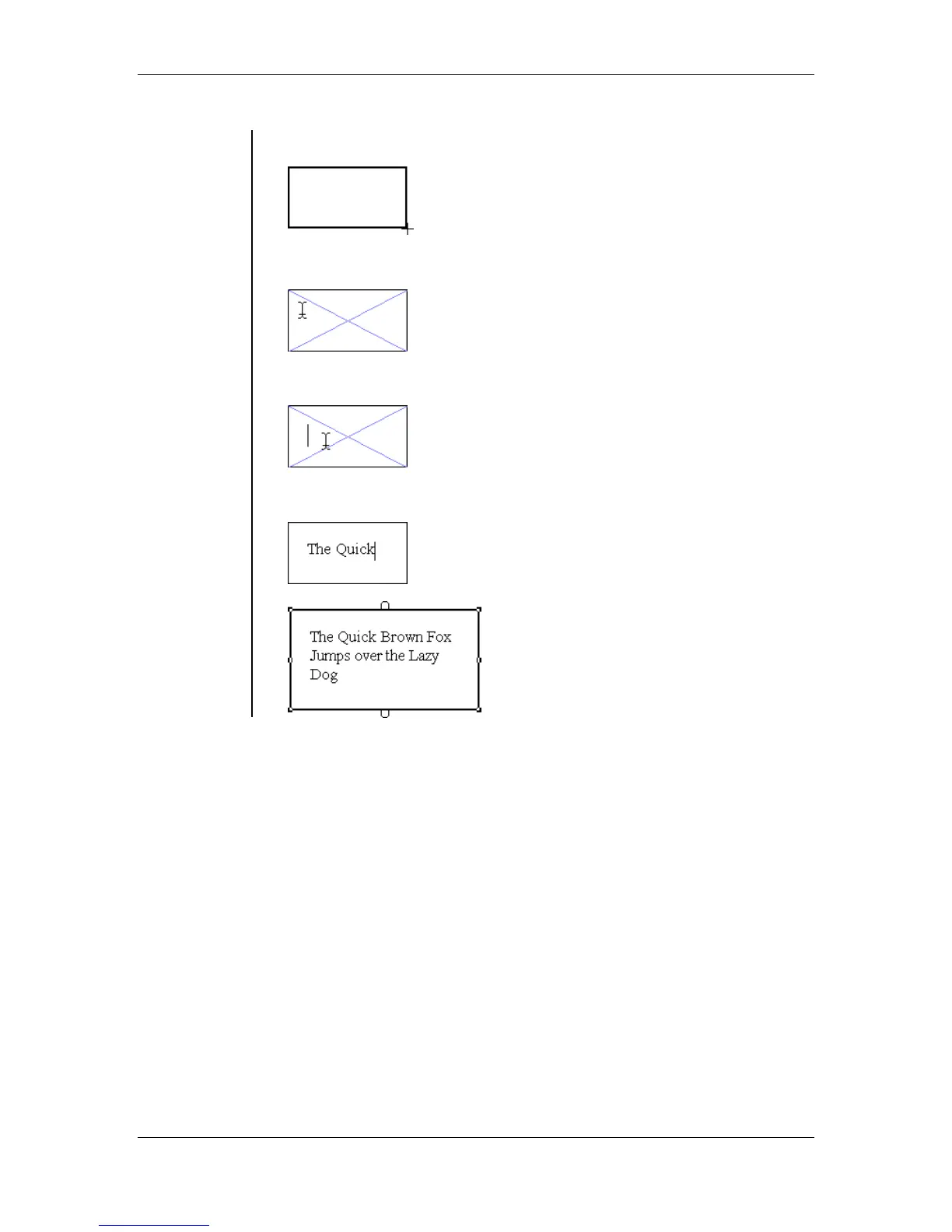
• Create your text frame to the desired size:
• With the text tool selected place the cursor inside of the frame:
• Click the mouse button:
• Enter in the desired text:



 To Next Page