76 Text
2001 Cheltenham Computer Training PageMaker 6.5 Foundation
FOR USE AT THE LICENSED SITE(S) ONLY
Cheltenham Computer Training 1995-2001 - www.cctglobal.com
Setting Font
Size
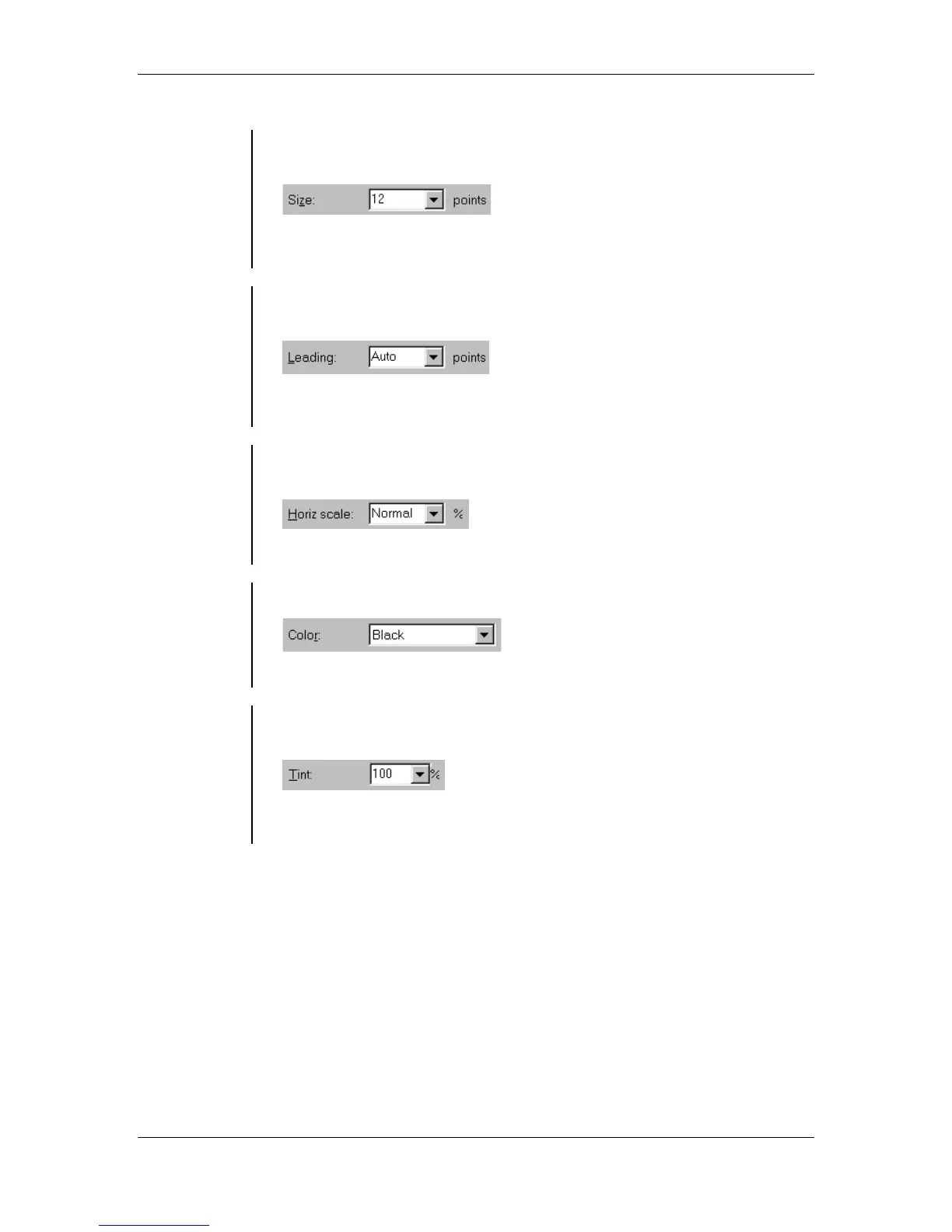
• The Size drop-down list allows you to specify the size of your type in
points:
Note: You can only select font sizes from 4 to 650 points in increments
of 0.1.
Setting
Leading
• The Leading drop-down list allows you to adjust the vertical space
between lines of text:
Note: Like letter and word spacing, the right amount of leading makes
text easier to read.
Setting
Horizontal
Scale
• The Horizontal Scale drop-down list allows you to adjust the width of
characters:
Note: You can specify a custom width anywhere from 5 to 250 percent.
Setting text
Color
• The Color drop-down list allows you to add color to text:
Note: You cannot apply the None color to text.
Setting Color
Tint
• The Tint drop-down list allows you to specify a tint of a color from the
Color drop-down list:
Note: If you apply a tint to the color Paper or Registration you see no
change take place.



 To Next Page