Objects 99
PageMaker 6.5 Foundation 2001 Cheltenham Computer Training
FOR USE AT THE LICENSED SITE(S) ONLY
Cheltenham Computer Training 1995-2001 - www.cctglobal.com
Setting the
Align Icons
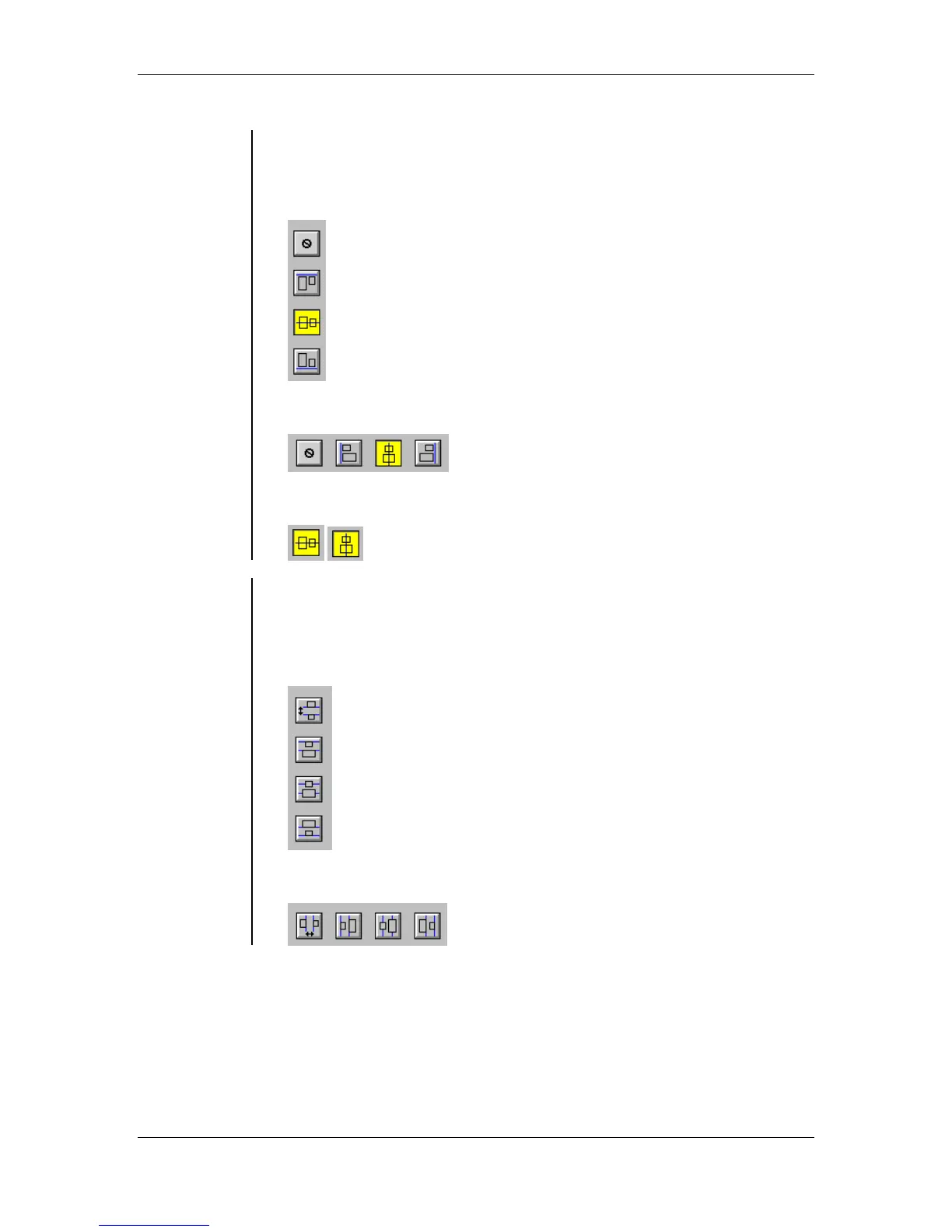
• The Align icons allow you to change the alignment of icons. You can
choose to align icons left, center, right, or not at all:
The Vertical Alignment Icons:
The Horizontal Alignment Icons:
An active alignment is highlighted in yellow:
Setting the
Distribute
Icons
• The Distribute icons are modular and can be arranged in groups that
are relevant to your working style. The spaces between the objects
are distributed evenly, to provide the desired effect:
The Vertical Distribution Icons:
Horizontal Distribution Icons:



 To Next Page