68 Dictionary
2001 Cheltenham Computer Training PageMaker 6.5 Intermediate
FOR USE AT THE LICENSED SITE(S) ONLY
Cheltenham Computer Training 1995-2001 - www.cctglobal.com
Adding Words
© Cheltenham Computer Training 2001
Adobe PageMaker 6.5 - Slide No 25
Adding Words
•
There are two ways to add
words to the User
Dictionary in PageMaker:
1. When you are checking the
spelling in your publication,
you can Add the unrecognized
words to the User Dictionary.
2. When you are examining
hyphenation of words in your
publication, you can Add the
words to the User Dictionary.
Adding
words to the
User
Dictionary
There are two ways to add words to the User Dictionary in
PageMaker:
• When you are checking the spelling in your publication, you can Add
the unrecognized words to the User Dictionary.
• When you are examining hyphenation of words in your publication,
you can Add the words to the User Dictionary. To display the
Hyphenation dialog box, choose Type > Hyphenation from the main
menu.
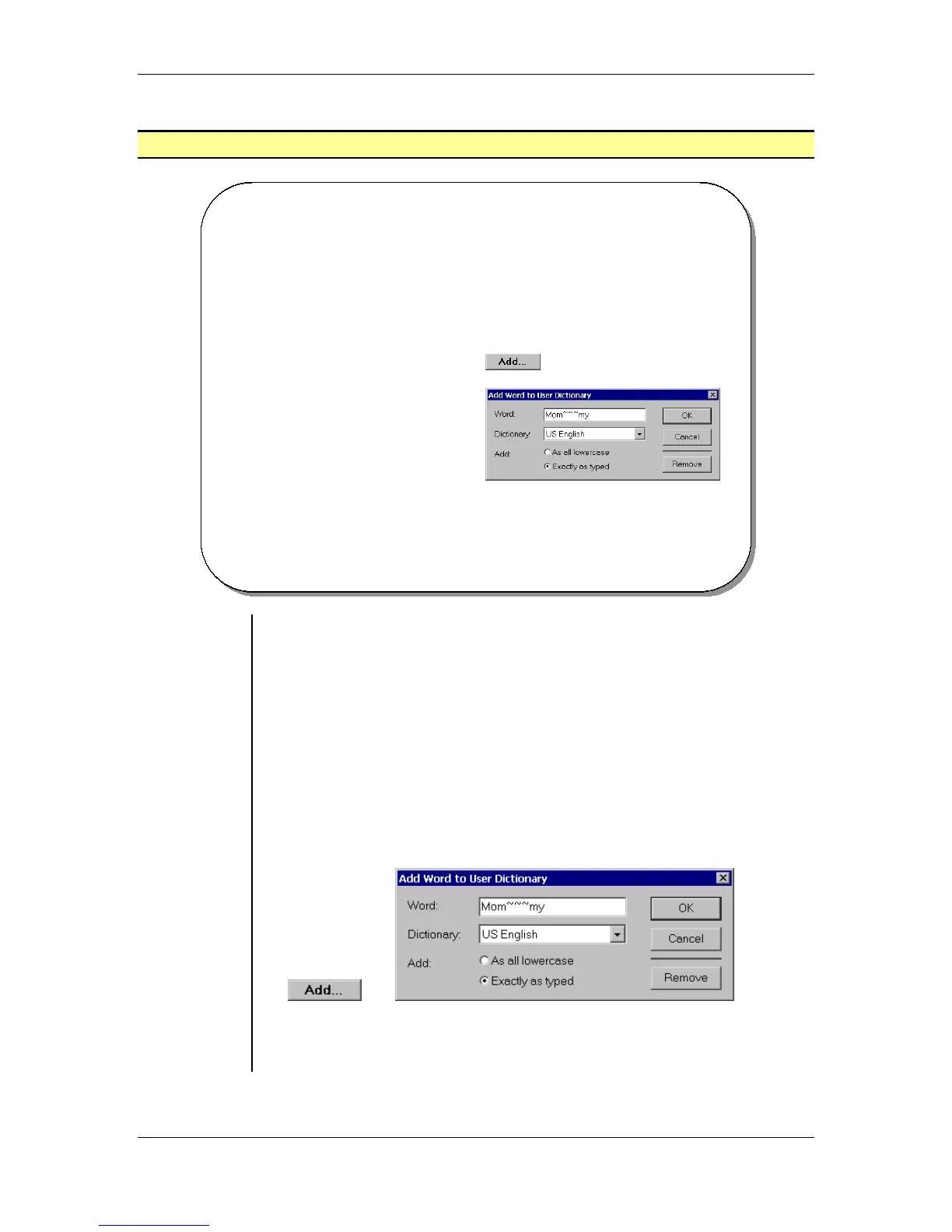
• When you select the Add button in the Spelling dialog box or in the
Hyphenation dialog box, you will display the Add Word to User
Dictionary dialog box:
Note: You can make minor spelling and hyphenation corrections
within PageMaker, but for more extensive changes, you will need to
use the Dictionary Editor utility.



 To Next Page