Advanced Plug-Ins 29
PageMaker 6.5 Advanced 2002 Cheltenham Computer Training
FOR USE AT THE LICENSED SITE(S) ONLY
Cheltenham Computer Training 1995-2002 - www.cctglobal.com
Using EPS Font Scanner
© Cheltenham Computer Training 2002
Adobe PageMaker 6.5 - Slide No 11
Using EPS Font Scanner
• When you print on a
PostScript printer, you can
have PageMaker search
EPS graphics and Adobe
Illustrator files for fonts.
Scanning for
Fonts in EPS
files
• When you print on a PostScript printer, you can have PageMaker
search EPS graphics and Adobe Illustrator files for fonts.
• If a PostScript graphic contains fonts that can not be found on the
computer, a dialog box will appear indicating the missing font, the
graphic's file name, and the page where you'll find the graphic:
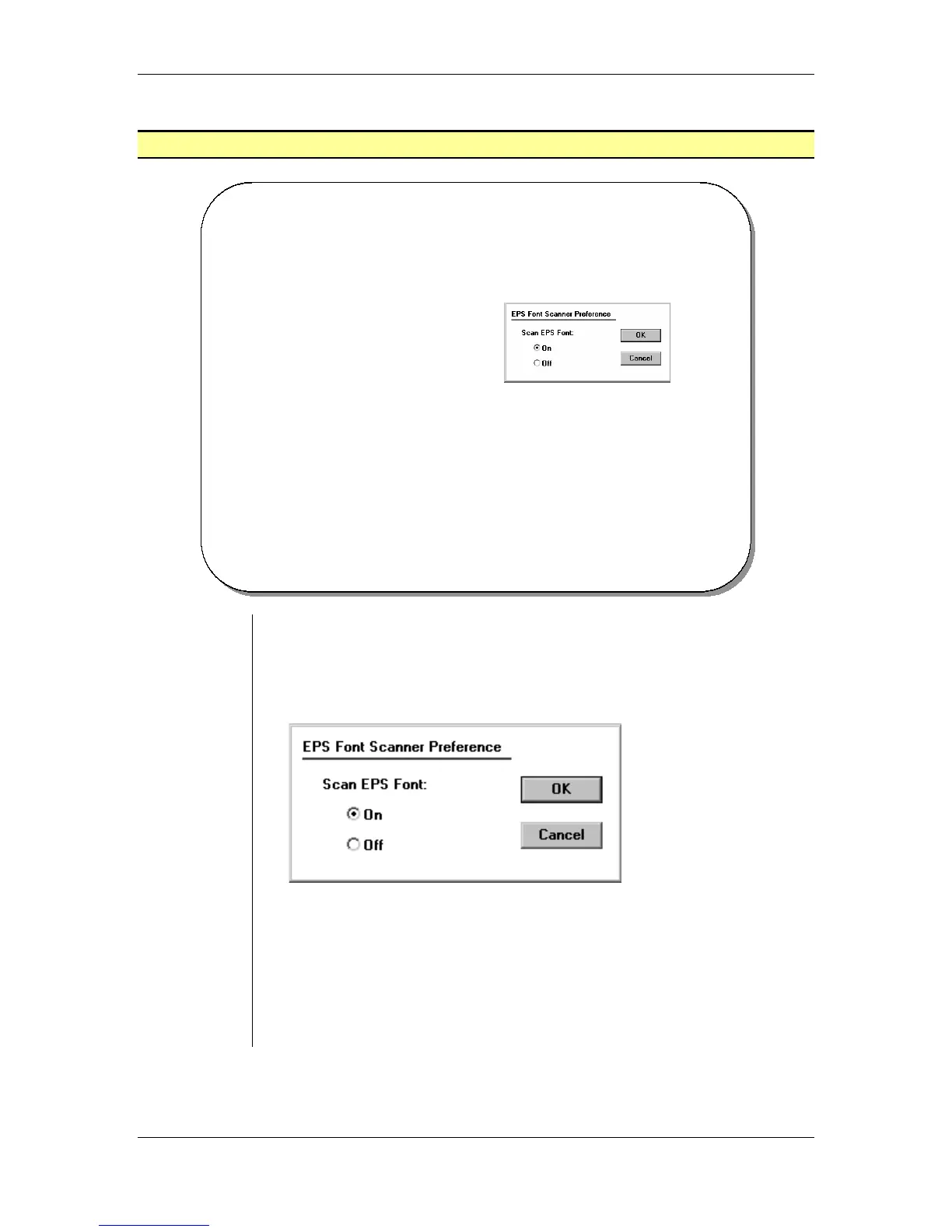
To scan PostScript graphics for fonts:
• From the main menu, choose Utilities > Plug-ins > EPS Font
Scanner.
• Click the On radio button and click OK.
• From the main menu, choose File > Print, set printing options, and
click Print.
Note:
A warning dialog box appears if fonts are missing.



 To Next Page