EXERCISES - Text 15
PageMaker 6.5 Foundation 2001 Cheltenham Computer Training
FOR USE AT THE LICENSED SITE(S) ONLY
Cheltenham Computer Training 1995-2001 - www.cctglobal.com
Text
Inputting Text
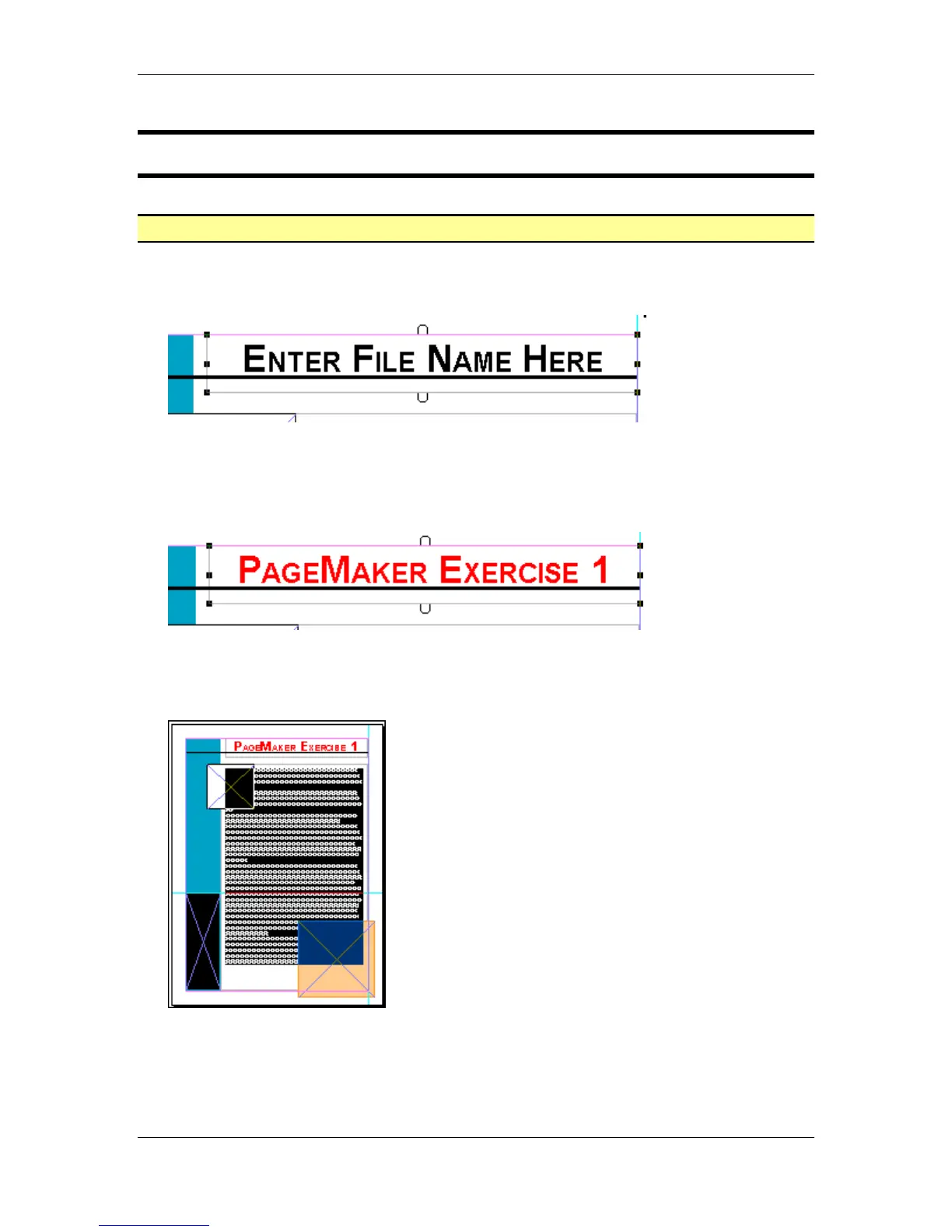
• Within your Tool palette select the Text tool, and mouse click on the frame with the words
"Enter File Name Here”:
• Within the text frame, highlight the all the words, use the click and drag method or triple-click
to select all text.
• Change the text color to Red M100, Y100.
• Then with the text cursor enter the name “PageMaker Exercise 1” into the text box:
• With the Text tool still selected, mouse click on the text box with the large body of text that
reads: “The quick brown fox jumps over the lazy dog.”
• Use the Ctrl + A key combination to select all the text in the box:
Note: There is too much text to try and click and drag, and the triple-click option will only
select one paragraph.



 To Next Page