Working With Type 51
PageMaker 6.5 Intermediate 2001 Cheltenham Computer Training
FOR USE AT THE LICENSED SITE(S) ONLY
Cheltenham Computer Training 1995-2001 - www.cctglobal.com
Editing
bullets
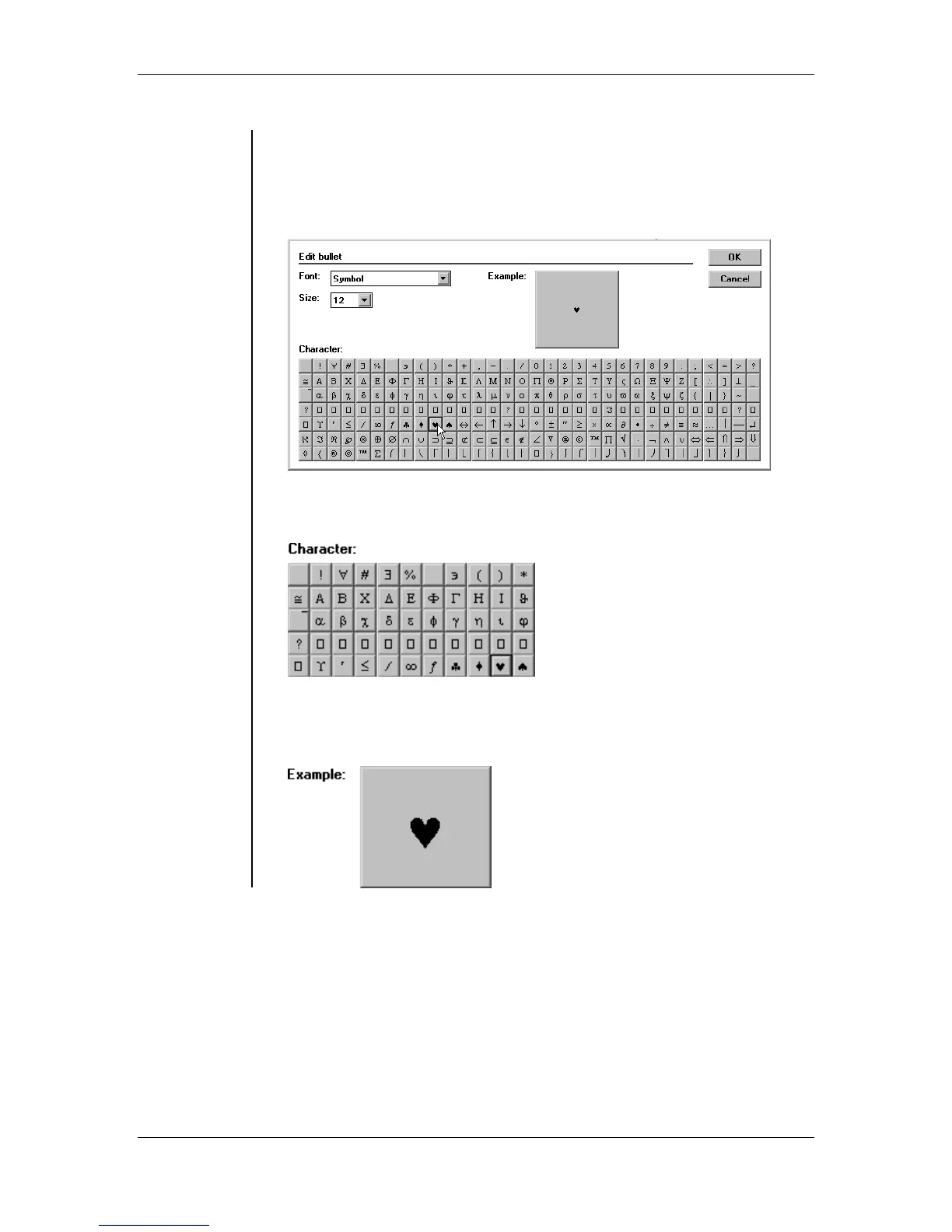
• If you click the Edit button from the Bullet style options, you will
display the Edit Bullet dialog box:
• The Edit bullet dialog box allows you to customize your bullets by
choosing you own fonts, and type size:
• The Character display, gives you a sample of what all the usable
characters from the specified font look like:
• The Example display gives you a sample of what the selected bullet
will look like. The example displays the selected character in its
specified font size:



 To Next Page