Tables 47
PageMaker 6.5 Advanced 2002 Cheltenham Computer Training
FOR USE AT THE LICENSED SITE(S) ONLY
Cheltenham Computer Training 1995-2002 - www.cctglobal.com
Importing Tables
© Cheltenham Computer Training 2002
Adobe PageMaker 6.5 - Slide No 18
Import Tables
• When importing data from
an existing file, you must
import the file in text only
format.
• The data cannot be
imported as graphics.
Importing
Table Data
• When importing data from an existing file, you must import the file in
text only format. The data cannot be imported as graphics.
To create a new table:
• Enter the number of rows and columns you need. Make sure that
there is one extra row than what you originally have in your file. If not,
this will throw the chart off.
• Put your cursor at the beginning of the first cell of the table.
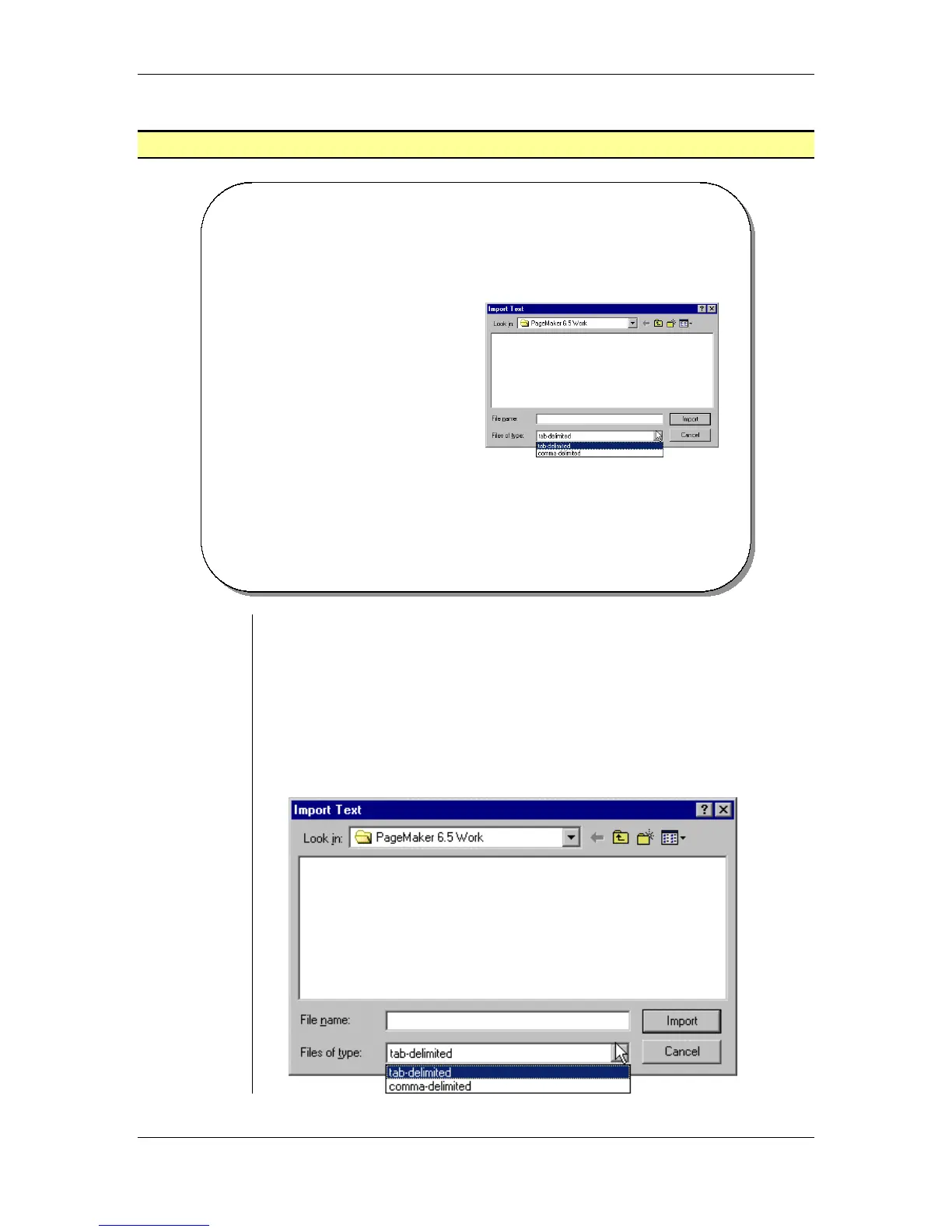
• Select File > Import Text and the Import dialog box will appear:



 To Next Page