46 Tables
2002 Cheltenham Computer Training PageMaker 6.5 Advanced
FOR USE AT THE LICENSED SITE(S) ONLY
Cheltenham Computer Training 1995-2002 - www.cctglobal.com
• From the Save as type drop-down list, select on of the following:
Tab-delimited - this option will separate the exported data with tabs.
OR Comma-delimited - this option will separate the exported data
with commas.
• Click the Export button.
Exporting a
Table as a
Graphic
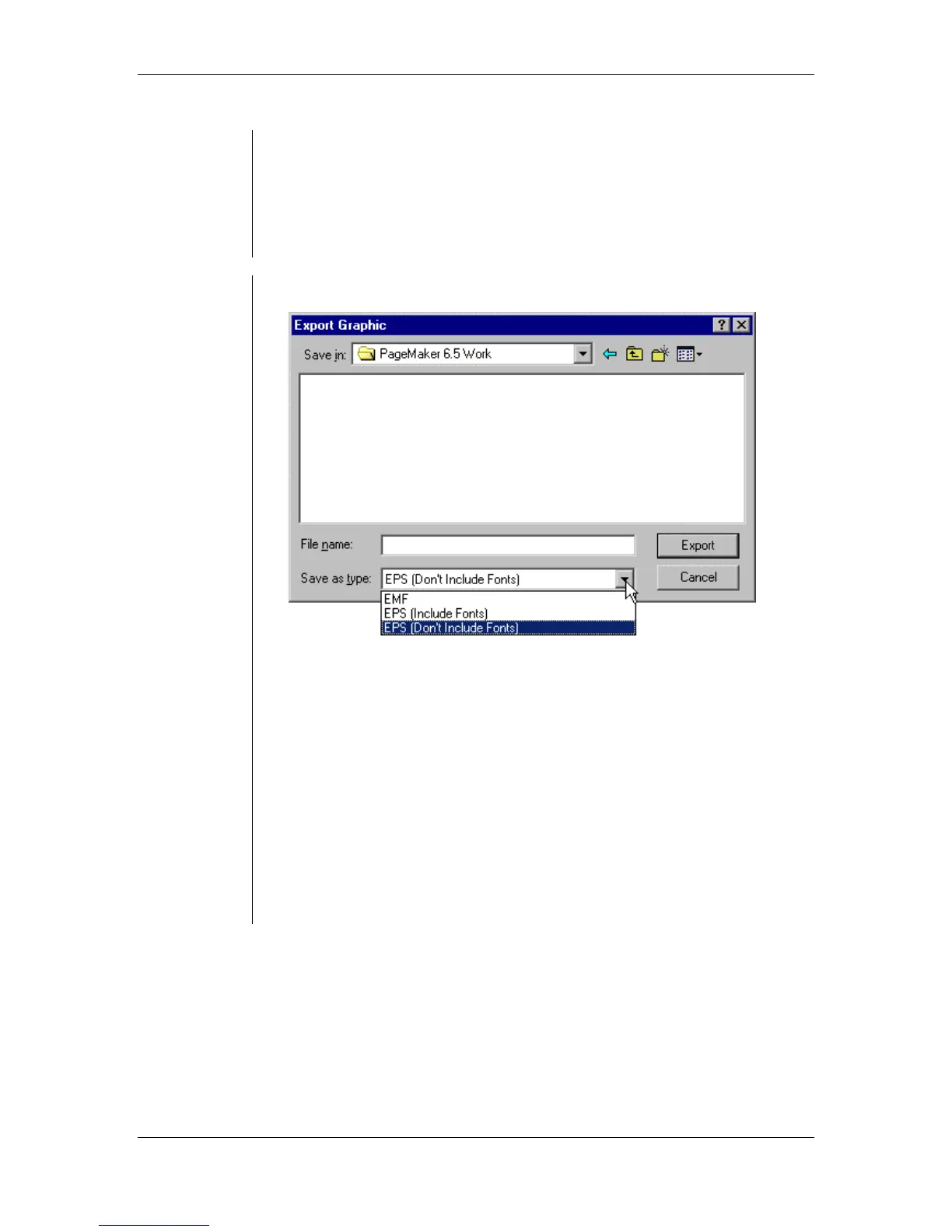
• From the main menu, choose File > Export > Graphic:
• Enter a name for the exported file into the File Name field.
• From the Save as type drop-down list, select one of the following:
EMF - this option will export the table as an Enhanced Metafile.
EPS (Include Fonts) - this option will export the table as an
Encapsulated PostScript file and embed the font.
EPS (Don't Include Fonts) - this option will export the table as an
Encapsulated PostScript file without embedding the file.
Note: If you include fonts the file size will be enlarged, but you will
not have problems finding the fonts.
• Click the Export button.



 To Next Page