Text Objects and Stories 61
PageMaker 6.5 Intermediate 2001 Cheltenham Computer Training
FOR USE AT THE LICENSED SITE(S) ONLY
Cheltenham Computer Training 1995-2001 - www.cctglobal.com
Finding and Changing Words
© Cheltenham Computer Training 2001
Adobe PageMaker 6.5 - Slide No 23
Finding and Changing Words
• If you are trying to find a
specific word or set of
characters in a story, the best
way to do this is to use the
Find option.
Displaying
the Find
dialog box
• If you are trying to find a specific word or set of characters in a story,
the best way to do this is to use the Find option.
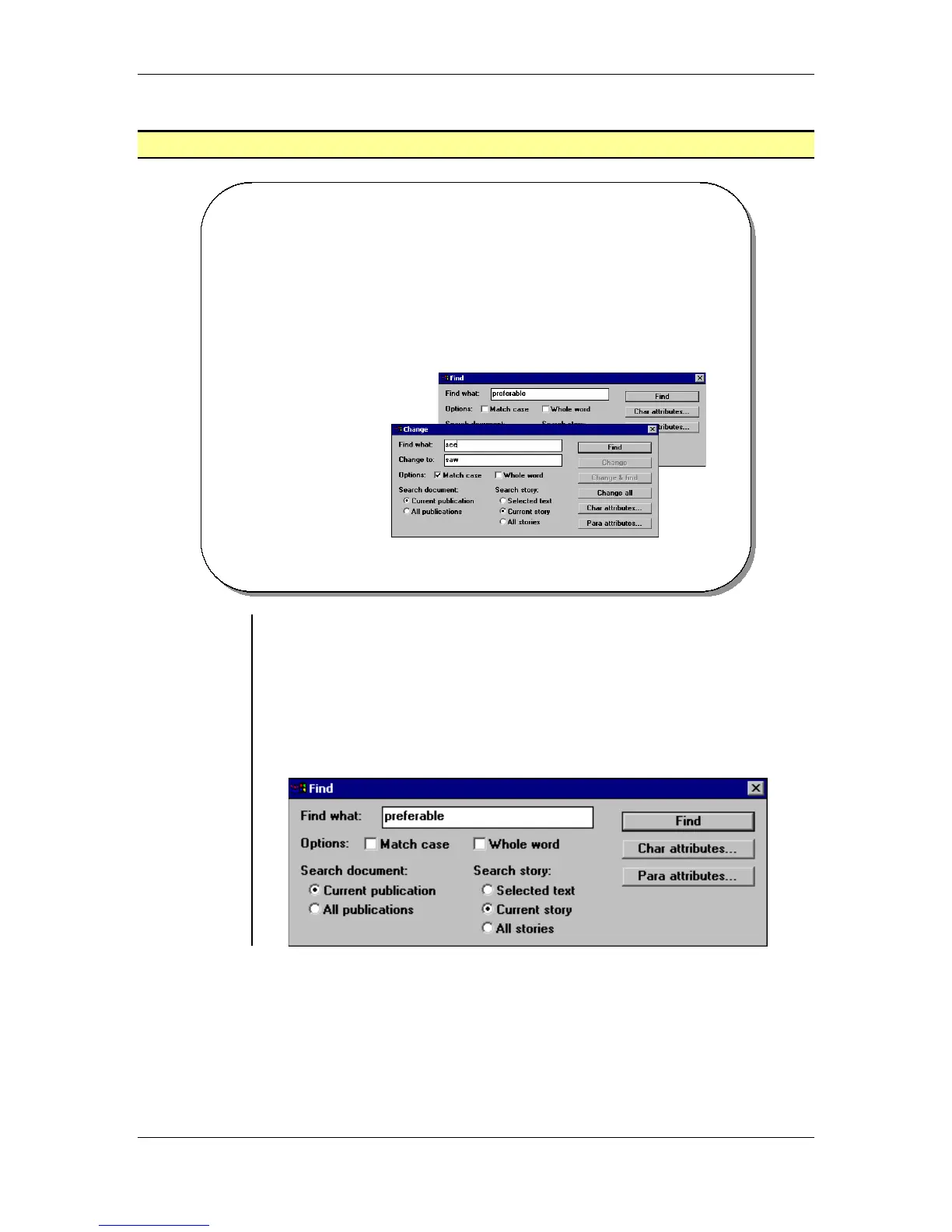
To display the Find dialog box:
• From the main menu, choose Edit > Edit Story
OR
press the Ctrl + E key combination.
• Then from the Story Editor main menu, choose Utilities > Find
OR
press the Ctrl + F key combination:



 To Next Page