Document Page Features 27
PageMaker 6.5 Intermediate 2001 Cheltenham Computer Training
FOR USE AT THE LICENSED SITE(S) ONLY
Cheltenham Computer Training 1995-2001 - www.cctglobal.com
Going back
and forward
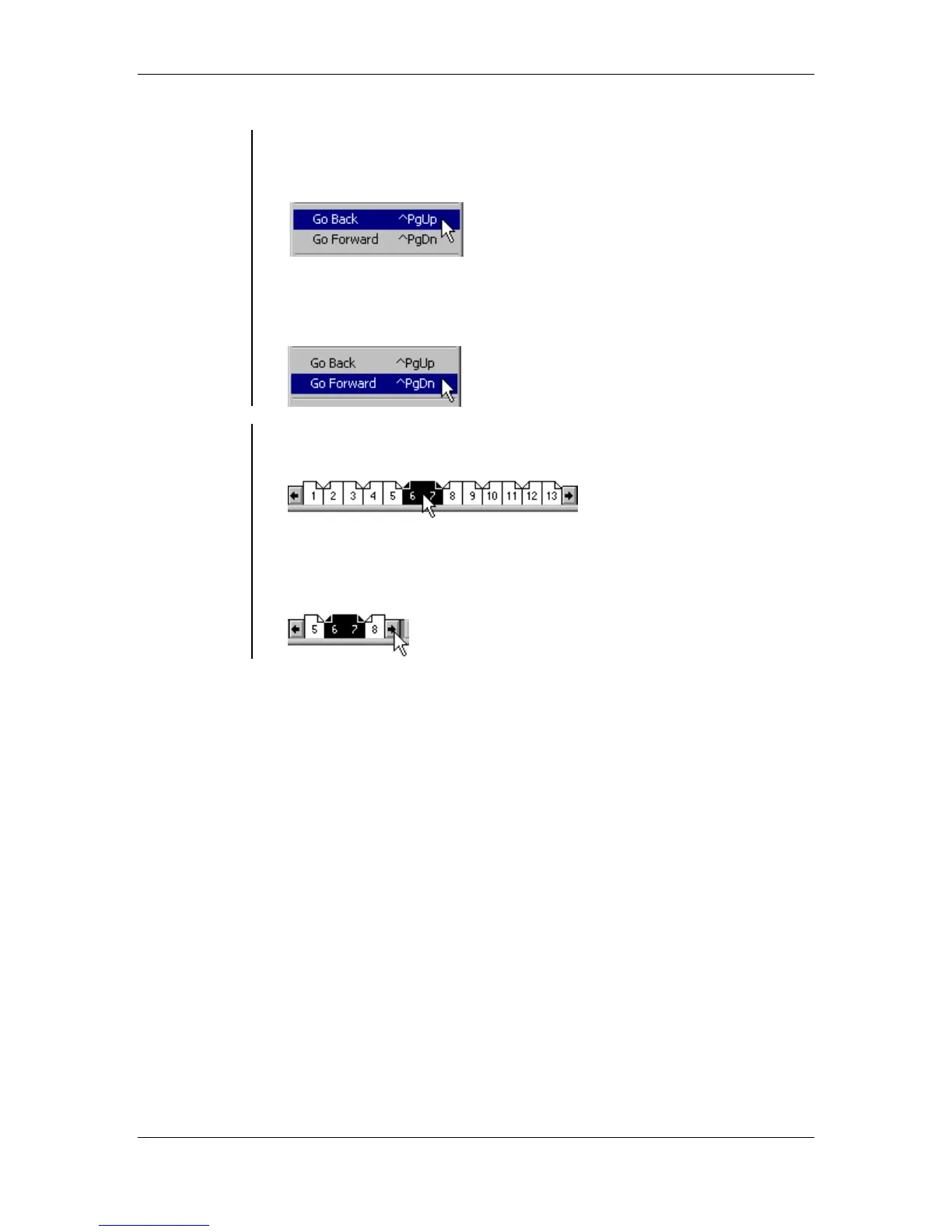
To quickly go Back one single or facing page at a time:
• From the main menu, choose Layout > Go Back
OR
press the Ctrl + Page Up key combination:
To quickly go Forward one single or facing page at a time:
• From the main menu, choose Layout > Go Forward
OR
press the Ctrl + Page Down key combination:
Using page
icons to
navigate
• You can also use the page icons at the bottom of the publication
window, to go to a page:
• If you have a large publication and the page you want to go to is not
visible, click on the one of the arrows to the right or left of the page
icons, until the page becomes visible:



 To Next Page