Documents 31
PageMaker 6.5 Foundation 2001 Cheltenham Computer Training
FOR USE AT THE LICENSED SITE(S) ONLY
Cheltenham Computer Training 1995-2001 - www.cctglobal.com
Opening Documents
© Cheltenham Computer Training 2001
Adobe PageMaker 6.5 - Slide No 15
Opening Documents
• The Open command allows
you to open a previously
saved publication.
• To Open a publication
choose File > Open
OR press the Ctrl + O key
combination.
Using the
Open
command
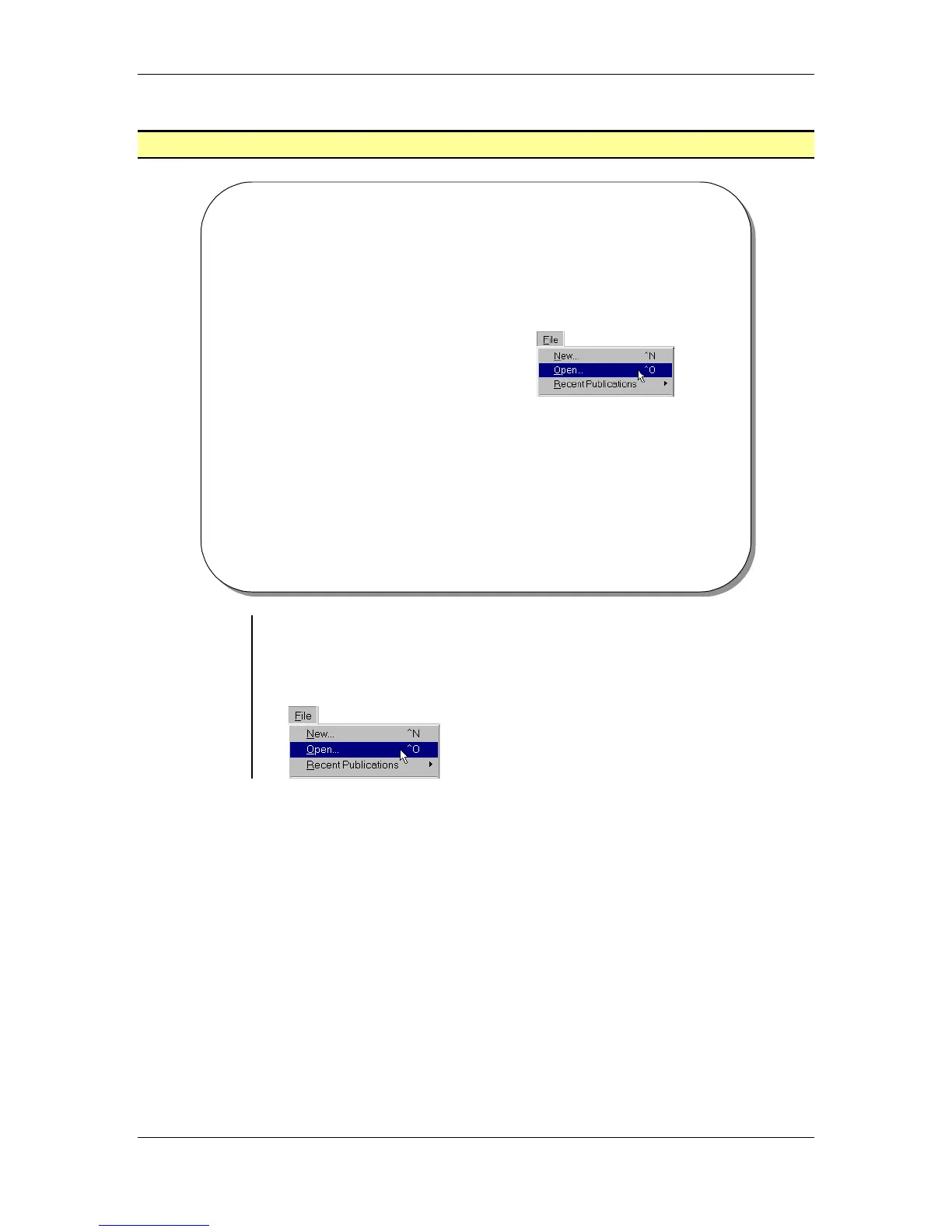
• The Open command allows you to open a previously saved
publication.
• From the main menu, choose File > Open
OR
press the Ctrl + O key combination:



 To Next Page