64 Scripts
2002 Cheltenham Computer Training PageMaker 6.5 Advanced
FOR USE AT THE LICENSED SITE(S) ONLY
Cheltenham Computer Training 1995-2002 - www.cctglobal.com
Working with Scripts
© Cheltenham Computer Training 2002
Adobe PageMaker 6.5 - Slide No 26
Working With Scripts
• Scripts are folders that
contain simple commands
and automated tasks that
allow you to speed up your
production time when it
comes to doing repetitive
tasks.
Displaying
the Scripts
palette
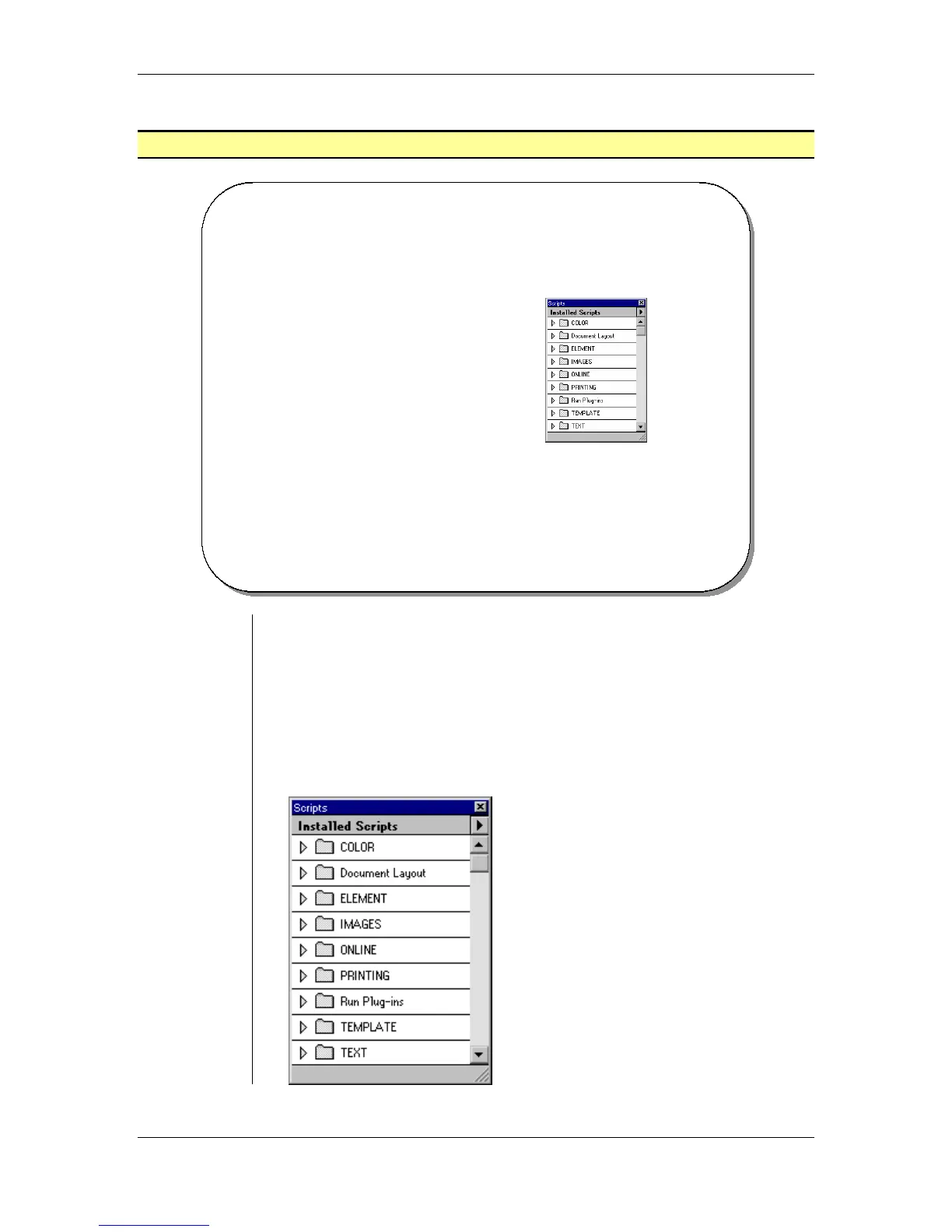
• The Scripts are folders that contain simple commands and automated
tasks that allow you to speed up your production time when it comes
to doing repetitive tasks. There are a number of pre-installed scripts in
the Scripts palette.
• You can create your own scripts, take existing scripts and customize
them for your own needs, and even trace scripts.
• From the main menu, choose Window > Plug-in Palettes > Show
Scripts to display the Scripts palette:



 To Next Page