Text 71
PageMaker 6.5 Foundation 2001 Cheltenham Computer Training
FOR USE AT THE LICENSED SITE(S) ONLY
Cheltenham Computer Training 1995-2001 - www.cctglobal.com
Editing Text
© Cheltenham Computer Training 2001
Adobe PageMaker 6.5 - Slide No 30
Editing Text
• To edit text, first
you need to
Highlight text in
a Text Frame or
Text Block with
the mouse.
•
Then delete
existing text or
add new text.
To Highlight
Text in a Text
frame or text
block with
the mouse
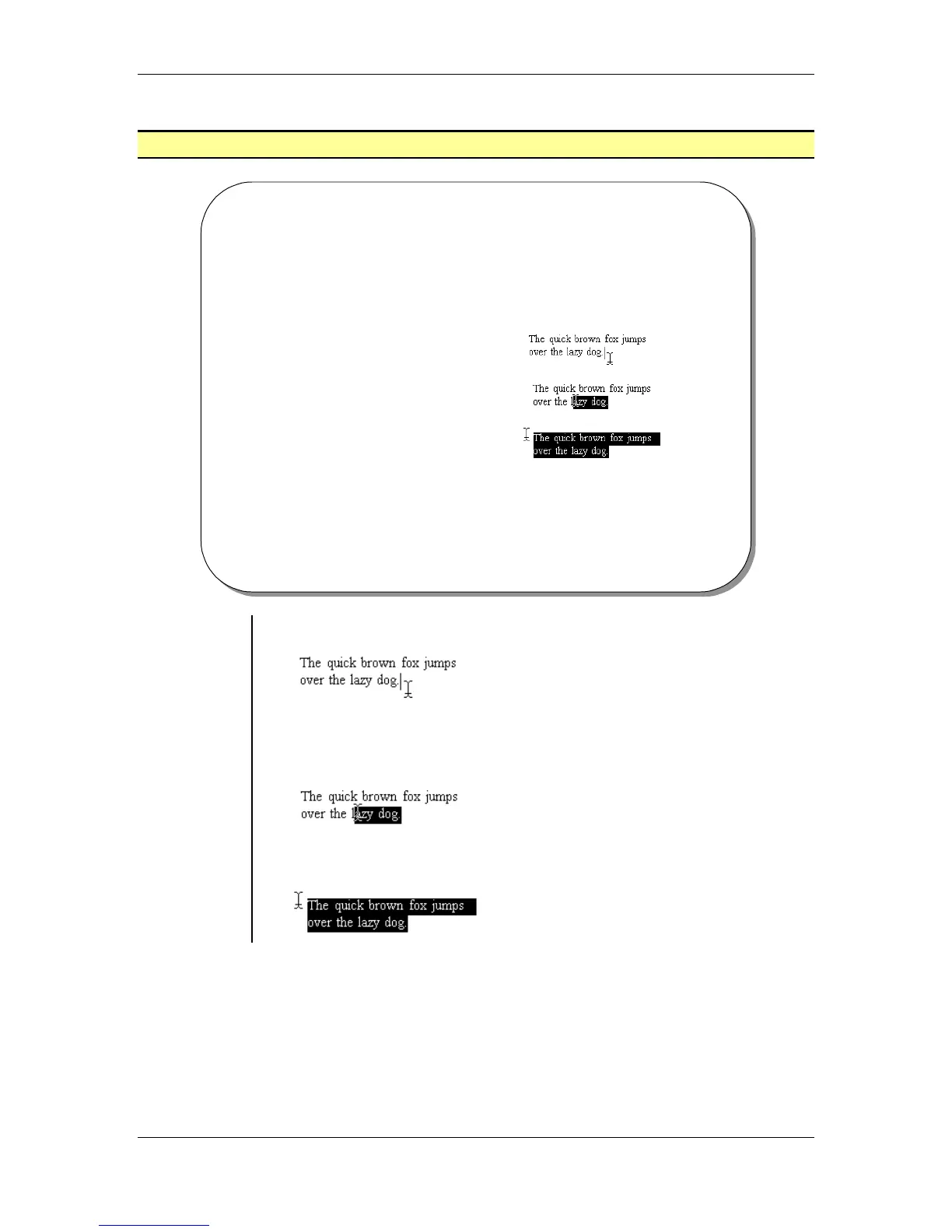
• Place the cursor at the appropriate end of the selected sentence:
• Click and drag the cursor over the sentence, word or character you
would like to highlight:
• Edit the highlighted text:



 To Next Page