Objects 93
PageMaker 6.5 Foundation 2001 Cheltenham Computer Training
FOR USE AT THE LICENSED SITE(S) ONLY
Cheltenham Computer Training 1995-2001 - www.cctglobal.com
Selecting
multiple
Objects with
the Pointer
Tool
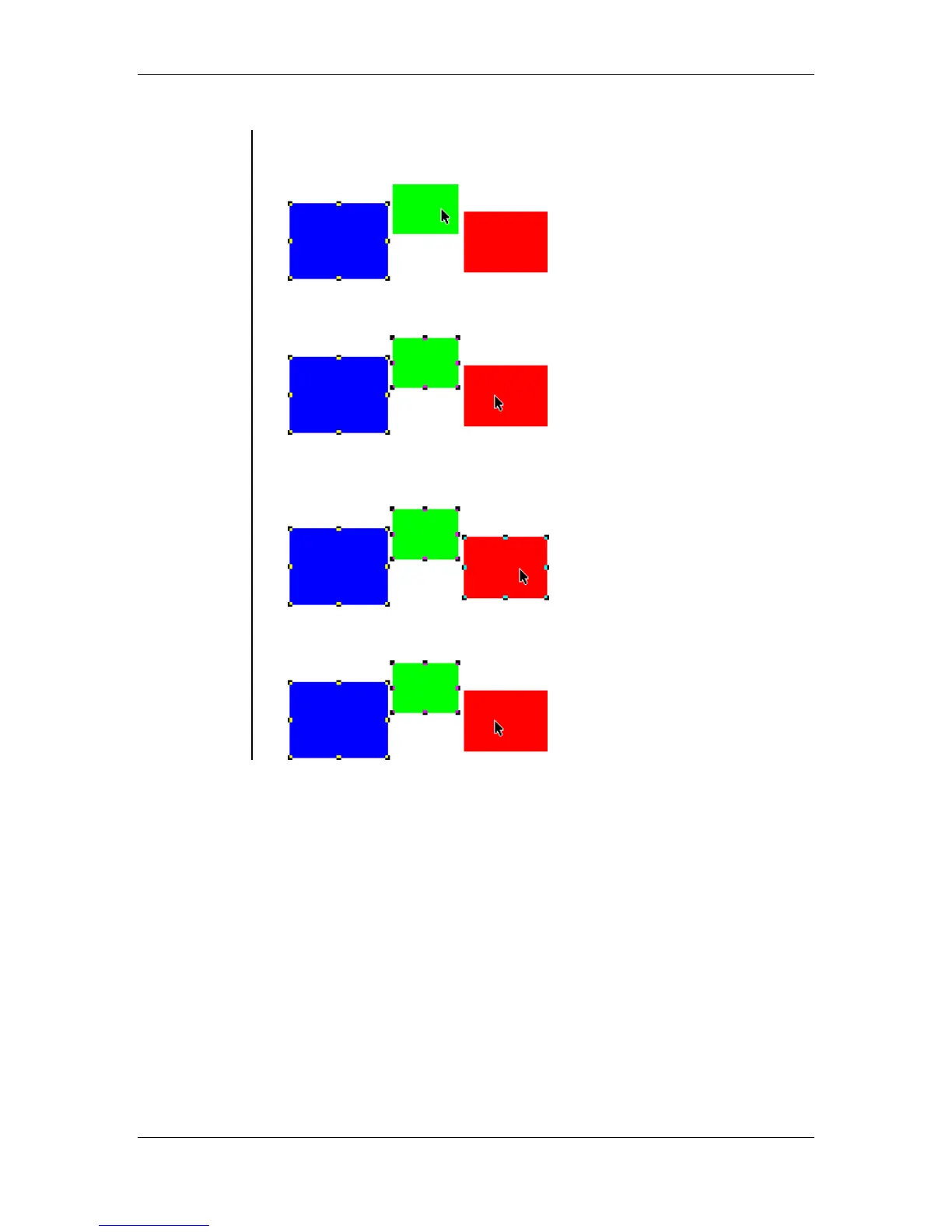
• To Add an object or objects to a selection, hold down Shift key as you
click on the other object(s):
• An object has been added to the selection:
• To Remove an object from a selection, hold down Shift key as you
click on the object you would like to remove:
• The Object has been removed from the selection:



 To Next Page