94 Objects
2001 Cheltenham Computer Training PageMaker 6.5 Foundation
FOR USE AT THE LICENSED SITE(S) ONLY
Cheltenham Computer Training 1995-2001 - www.cctglobal.com
Selecting
Objects with
the Marquee
Box
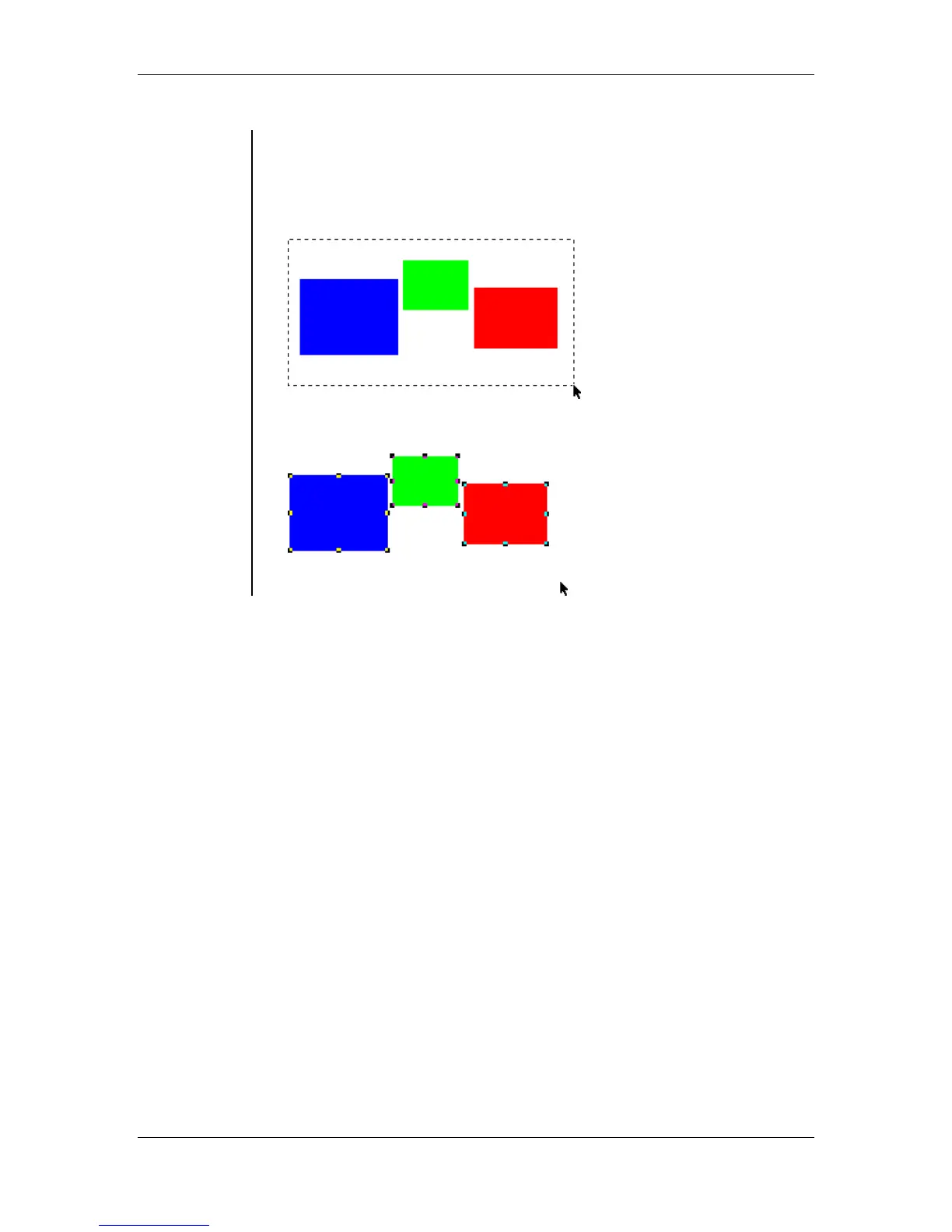
• To select several objects at once, drag the pointer tool around multiple
objects. Be sure to include each object's bounding box within the
selection area.
• Using the Pointer tool, select the objects by clicking and dragging a
Marquee Box around the desired area:
• The objects have all been selected:



 To Next Page