PageMaker Interface 13
PageMaker 6.5 Foundation 2001 Cheltenham Computer Training
FOR USE AT THE LICENSED SITE(S) ONLY
Cheltenham Computer Training 1995-2001 - www.cctglobal.com
Colors Palette
© Cheltenham Computer Training 2001
Adobe PageMaker 6.5 - Slide No 8
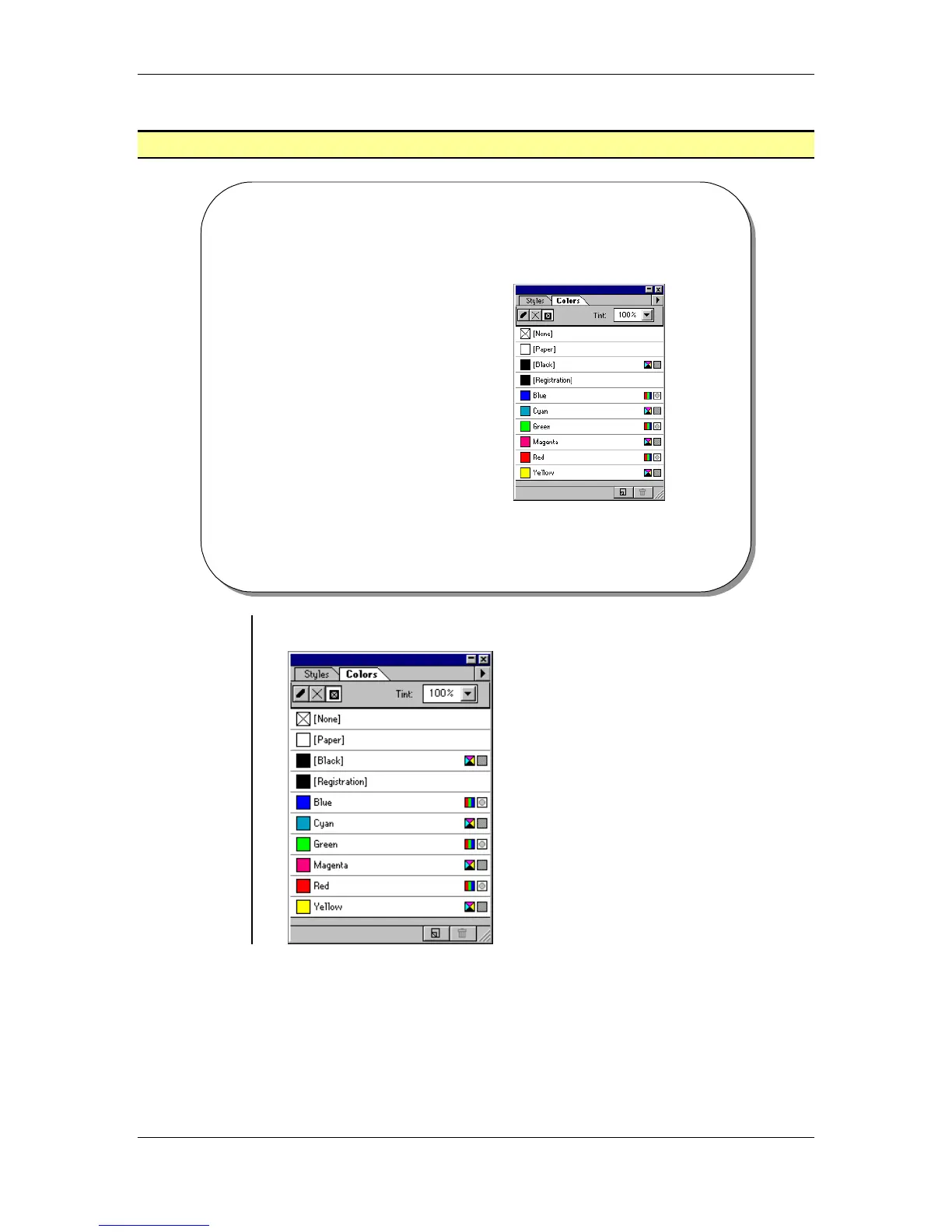
Colors Palette
• The Colors palette is used
to make quick color
changes to your
publication.
• By default every Colors
palette must contain the
following colors : None,
Paper, Black, and
Registration.
Using the
Colors
Palette
• From the main menu, choose Window > Show Colors Palette



 To Next Page