6 Introduction to PageMaker
2001 Cheltenham Computer Training PageMaker 6.5 Foundation
FOR USE AT THE LICENSED SITE(S) ONLY
Cheltenham Computer Training 1995-2001 - www.cctglobal.com
Setting the
Save Option
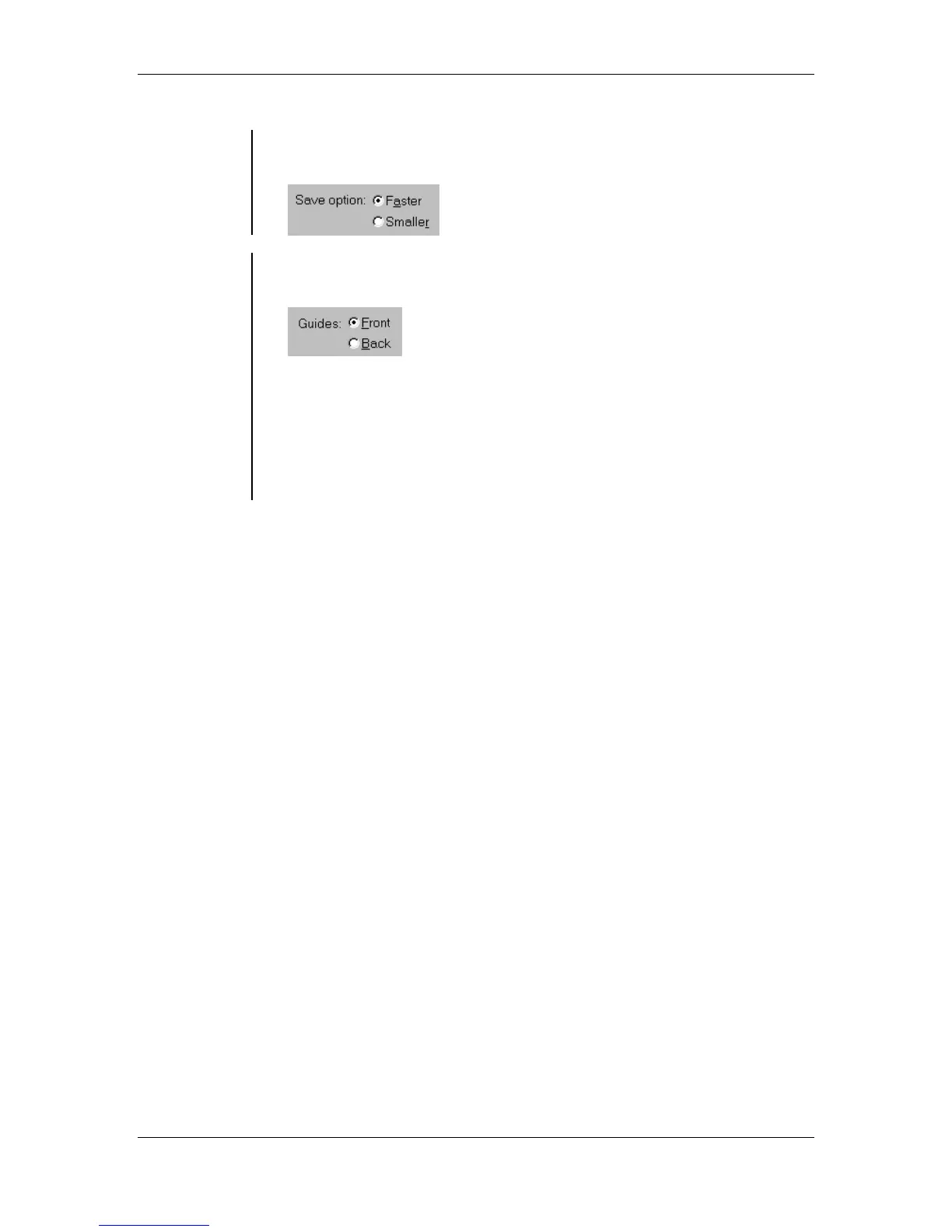
• The Save option allows you to select the saving option appropriate for
you. The default setting is Faster:
Applying
Guides
• You can determine whether the Guides appear in front of or behind
objects. Click the Guides radio button for Front or Back:
• You can also change the location of the guides with out going to the
General Preferences dialog box, to do this:
From the main menu, choose the View > Send Guides to Back
OR
choose the View > Bring Guides to Front
Note: To select an object that is overlapped by a guide, press the Ctrl
key while clicking the object. It is best to keep all your guides in front.



 To Next Page