118 Output
2001 Cheltenham Computer Training PageMaker 6.5 Foundation
FOR USE AT THE LICENSED SITE(S) ONLY
Cheltenham Computer Training 1995-2001 - www.cctglobal.com
Print Color
© Cheltenham Computer Training 2001
Adobe PageMaker 6.5 - Slide No 48
Print Color
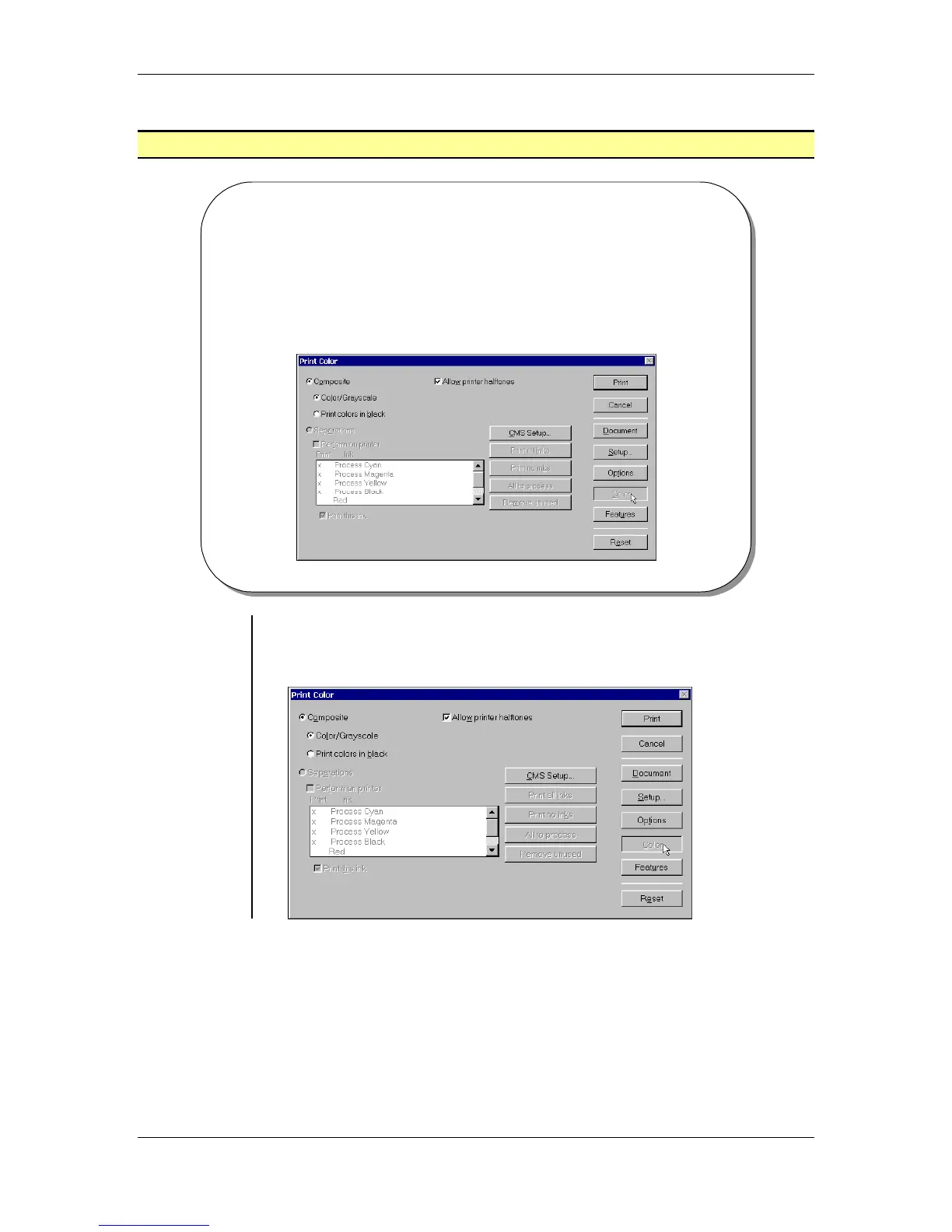
• The Print Color dialog box allows you to setup how the
colored object and placed images used in your publications
will print.
Setting Print
Color options
• The Color button will display the Print Color dialog box which
allows you to setup how the colored object and placed images used in
your publications will print:



 To Next Page