Documents 33
PageMaker 6.5 Foundation 2001 Cheltenham Computer Training
FOR USE AT THE LICENSED SITE(S) ONLY
Cheltenham Computer Training 1995-2001 - www.cctglobal.com
Closing Documents
© Cheltenham Computer Training 2001
Adobe PageMaker 6.5 - Slide No 16
Closing Documents
• Close command,
closes the active
publication.
Using the
Close
command
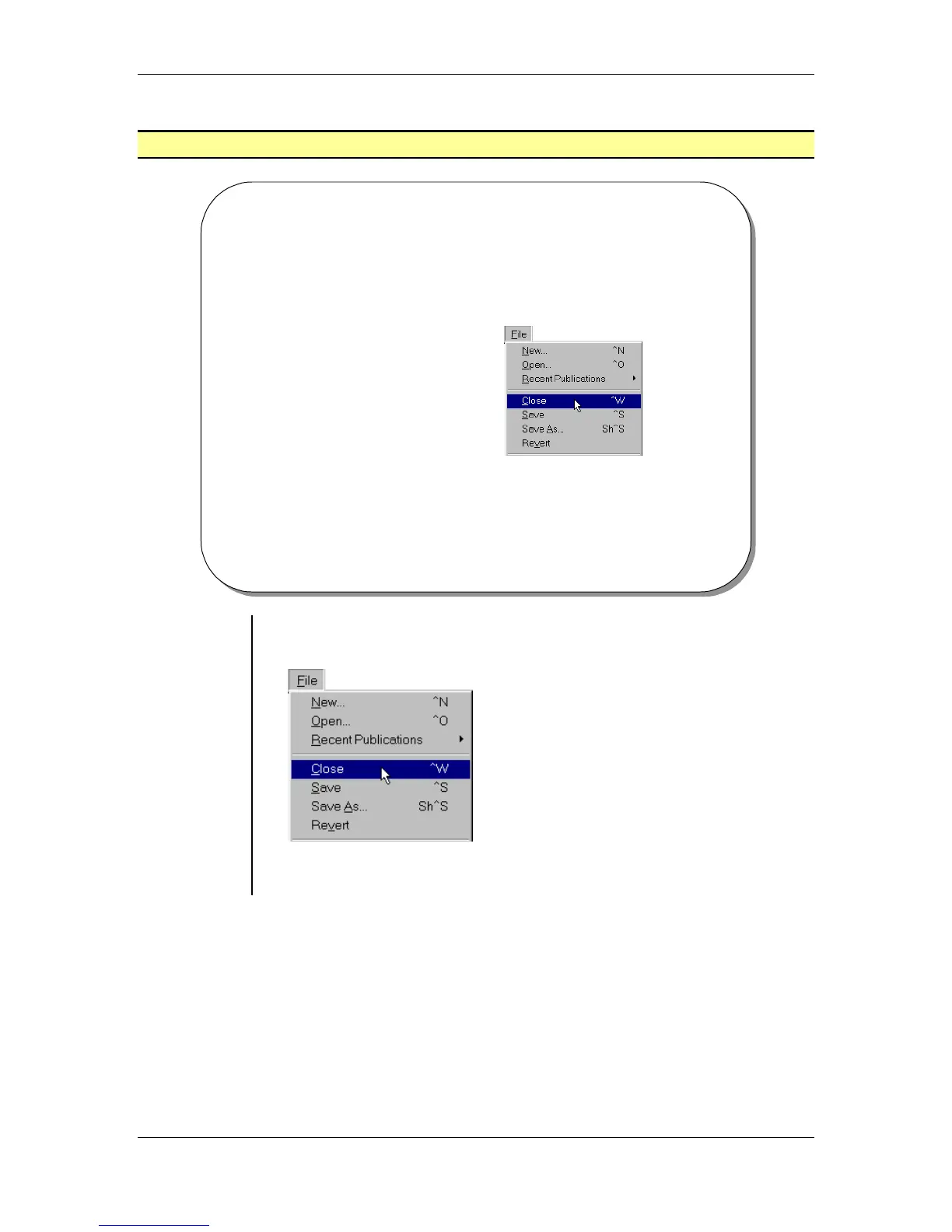
• From the main menu, choose File > Close to close the active
publication:
Note: To close all open publications at once, press the Shift key as
you select the Close command from the file menu.



 To Next Page