22 Advanced Plug-Ins
2002 Cheltenham Computer Training PageMaker 6.5 Advanced
FOR USE AT THE LICENSED SITE(S) ONLY
Cheltenham Computer Training 1995-2002 - www.cctglobal.com
Adding Headers and Footers
© Cheltenham Computer Training 2002
Adobe PageMaker 6.5 - Slide No 8
Adding Headers and Footers
• When creating a book or a
large publication, it's best
to add in headers and
footers to help breakup the
pages and chapters so
that readers can find what
they need quickly and
easily.
Using
Headers and
Footers
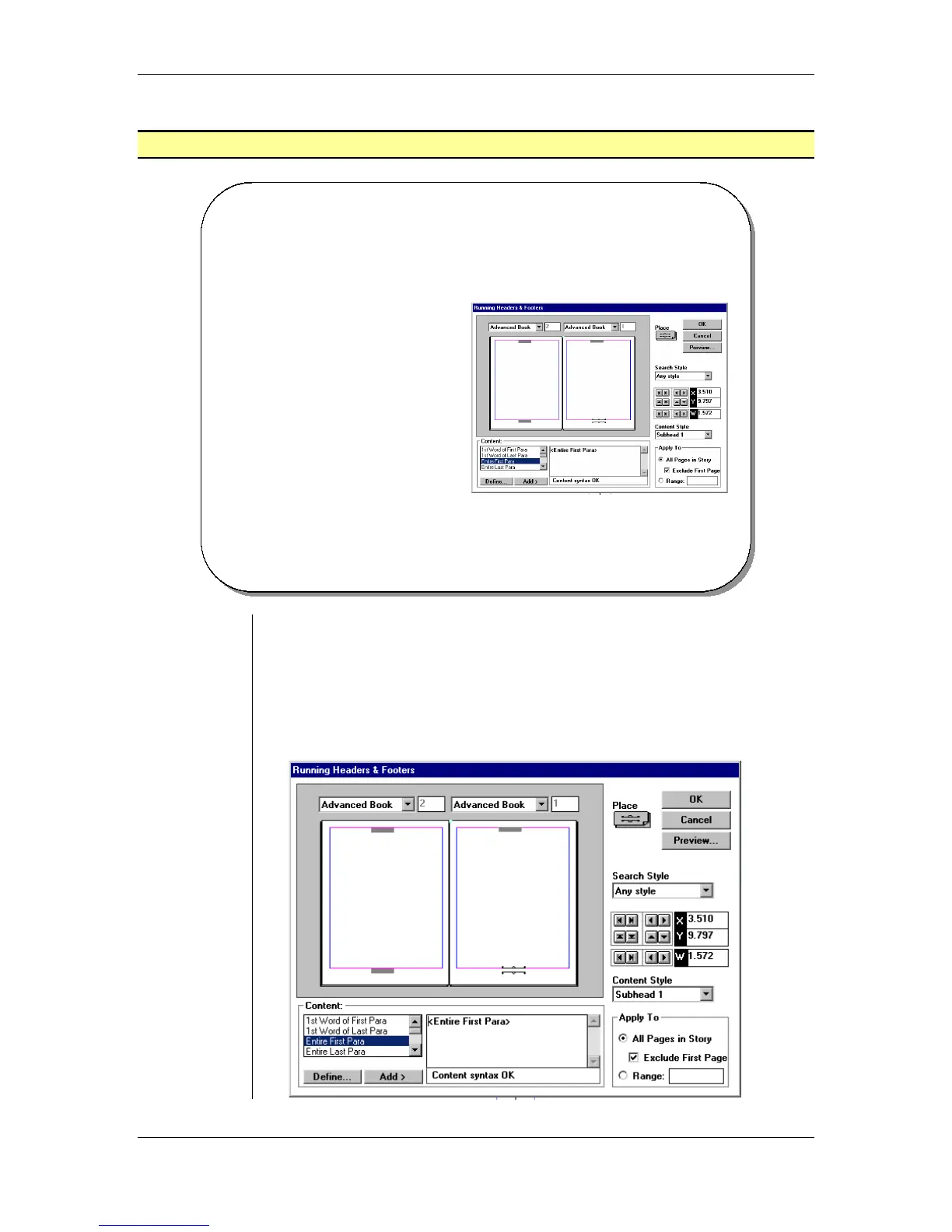
• When creating a book or a large publication, it's best to add
Headers and Footers to break up the pages and chapters so readers
can find what they need quickly and easily.
• The Headers and Footers can provide the necessary page and
chapter information.
• From the main menu, choose Utilities > Plug-ins > Running
Headers & Footers:



 To Next Page