EXERCISE - Advanced Type 15
PageMaker 6.5 Advanced 2002 Cheltenham Computer Training
FOR USE AT THE LICENSED SITE(S) ONLY
Cheltenham Computer Training 1995-2002 - www.cctglobal.com
Advanced Type
Using Tracking
• Close the Chapter 2.p65 and open the Chpter 3.p65 file from the PageMaker 6.5 Advanced
Samples folder.
• With the Text tool selected, place the cursor into the body of text and press the Ctrl + A.
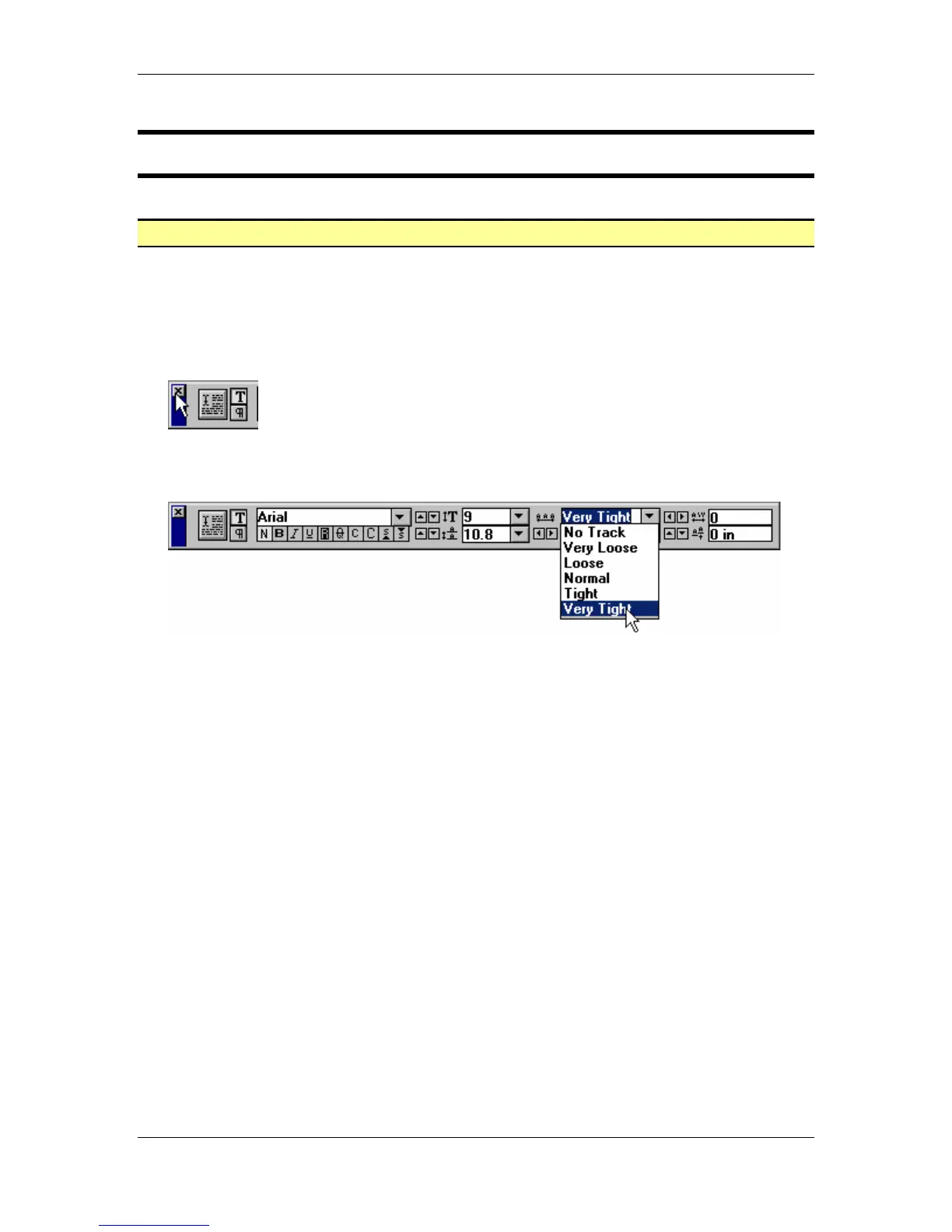
• Note: If the Control palette is already open when you launch PageMaker 6.5, close the
palette by selecting the X at the far left of the Control palette:
• From the main menu, choose Window > Show Control Palette.
• From the Control palette, select the Very Tight option from the Tracking drop down list:
• Press the Ctrl + Shift + S key combination and save the file as
Chapter 3.p65
into the
PageMaker 6.5 Advanced Work Folder.



 To Next Page