14 Tables - EXERCISE
2002 Cheltenham Computer Training PageMaker 6.5 Advanced
FOR USE AT THE LICENSED SITE(S) ONLY
Cheltenham Computer Training 1995-2002 - www.cctglobal.com
• With the placed EPS file selected, press the plus (+) button on the Library palette to add this
item to the Library.
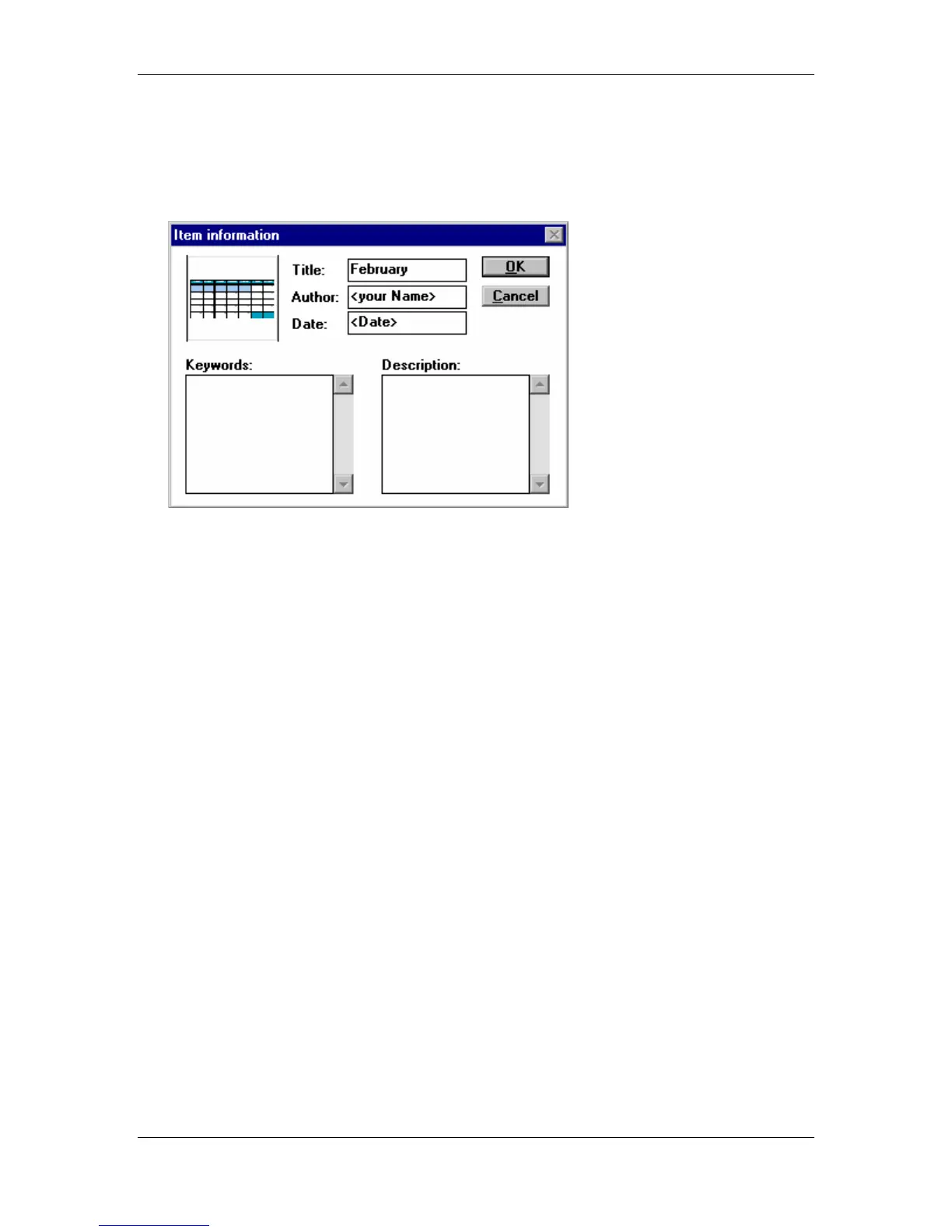
• Double-click the new item in the Library palette to open the Item information dialog box, and
enter the following information:
Title - February
Author - Your Name
Date - Current date
• Press the OK button, and then delete the placed image from the publication page.
• Press the Ctrl + Shift + S key combination and save the file as
Chapter 2.p65
into the
PageMaker 6.5 Advanced Work Folder.



 To Next Page