2 Master Pages
2001 Cheltenham Computer Training PageMaker 6.5 Intermediate
FOR USE AT THE LICENSED SITE(S) ONLY
Cheltenham Computer Training 1995-2001 - www.cctglobal.com
Master Pages Palette
© Cheltenham Computer Training 2001
Adobe PageMaker 6.5 - Slide No 2
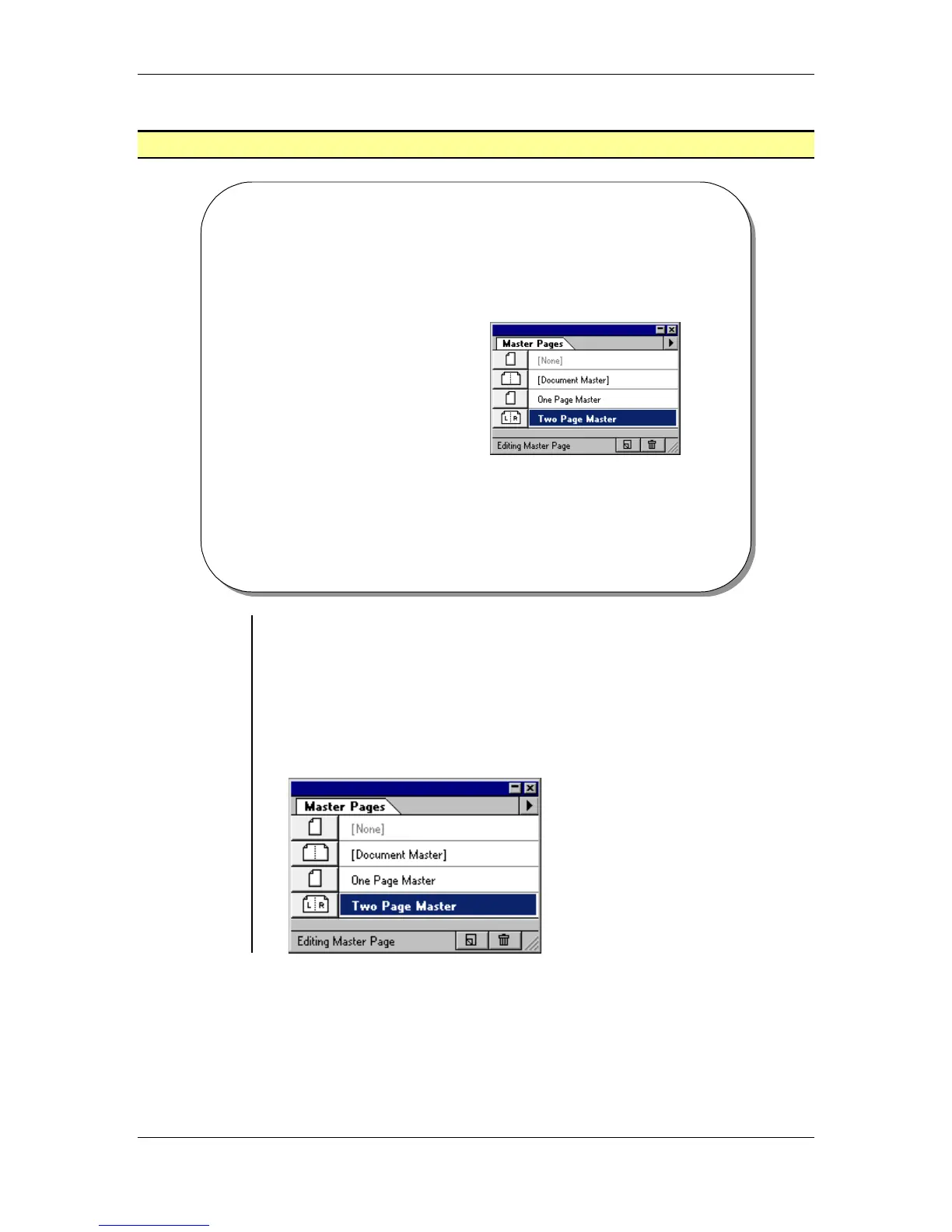
Master Pages Palette
• The Master Pages palette
allows you to create and
apply Master Pages to
Publication Pages.
Displaying
the Master
Pages palette
• The Master Pages palette allows you to create and apply Master
Pages to Publication Pages. Use the Master Page icons at the
bottom of the publication window when you want to go to or edit a
master page.
To Show or Hide the Master Page palette:
• From the main menu, choose Window > Show Master Pages
OR
press the Shift + Ctrl + 8 key combination:



 To Next Page